
Introduction to Limits by Steve_Withers
Loading the math board and drawing, please wait…
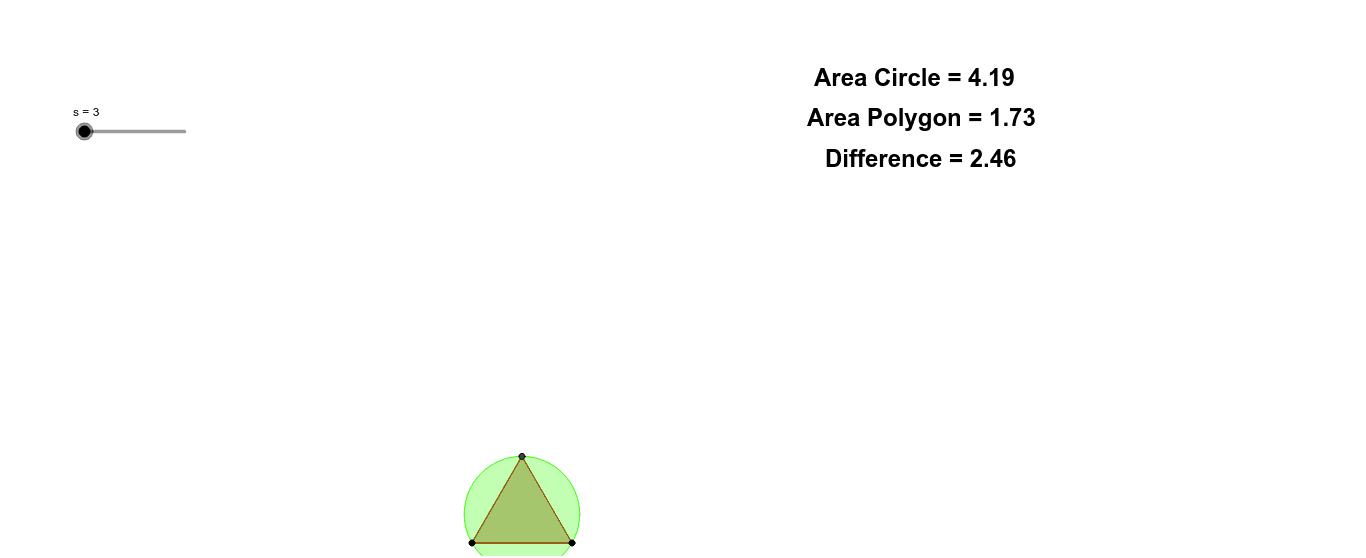
This example demonstrates the relationship between the area of a constructed polygon and a given circle as the number of sides increases, intuitively illustrating the concept of limits. The core math concept is limits, where constructing polygons and circles, and comparing their areas, reveals that as the number of sides approaches infinity, the polygon's area approaches the circle's area. Key GeoGebra commands and objects used include Polygon, Circle, Area, suitable for high school and above students to understand limits and geometric constructions.
GeoGebra Commands & Parameters
Polygon(A, B, s) → poly1, a, k, l, m, n, q, r, a_1, b_1, C, D, b, E, F, G, H, I, J, K, L, M, N, c, O, P, Q, e, f, g, h, i, jCircle(A, B, C) → dArea(d) → oArea(poly1) → p
AI Drawing Prompt Reference
Draw a circle and an inscribed polygon, and observe the change in their areas as the number of polygon sides increases. First, draw a circle, then draw a polygon that is inscribed within the circle, and compare their areas. As the number of polygon sides gradually increases, the area of the polygon will gradually approach the area of the circle.
The prompt above was compiled from the original drawing commands and is for reference only.