
Introduction to Conic Sections and Degenerate Conics
Loading the math board and drawing, please wait…
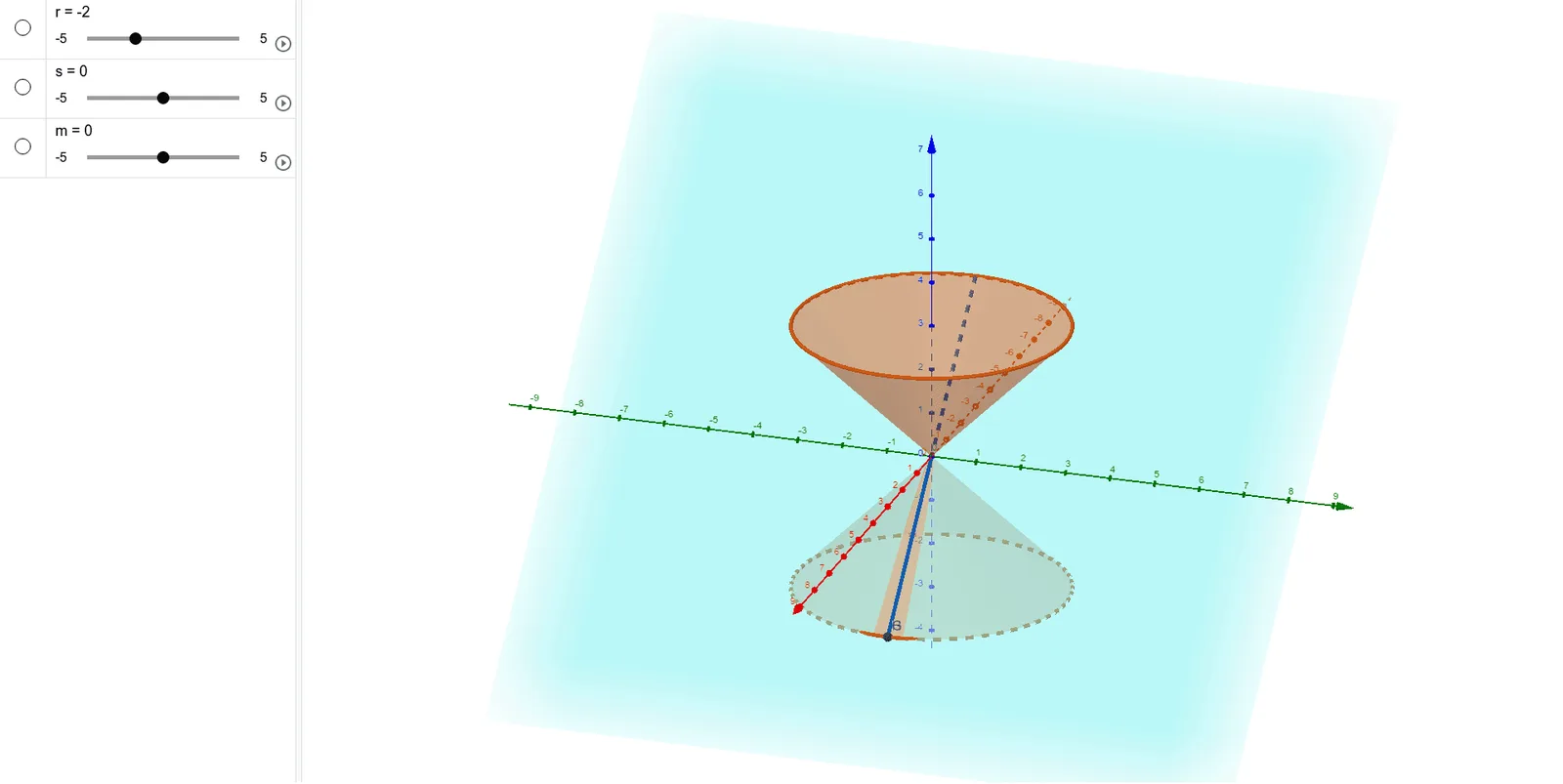
① This example demonstrates how a plane intersecting a cone in 3D space produces circles, ellipses, parabolas, hyperbolas, and degenerate conics (points or lines). ② Core mathematical concepts include the definition of conic sections, the geometry of plane-cone intersections, degenerate cases (plane passing through the vertex or parallel to a generator), and classification of intersection curves. ③ Construction highlights: using GeoGebra commands such as Point, Intersect, Cone, Plane, IntersectPath, and Corner, along with multiple points (A, B, C, D, etc.) and segments (a, b, c, etc.) to control the cone, cutting plane, and intersection path dynamically. ④ Suitable for high school or early college students as an introductory lesson on conic sections, and for teachers to visually explain the origin and degeneracy of these curves in a 3D context.
GeoGebra Commands & Parameters
Point(zAxis) → AIntersect(xAxis, yAxis) → BCone(A, B, 3) → a, c, bPoint(zAxis) → CCone(C, B, 3) → d, e, fPlane(E, F, D) → pIntersectPath(p, b) → gIntersectPath(p, a) → hIntersectPath(p, d) → kCorner(k) → G, H, I, J
AI Drawing Prompt Reference
Construct a 3D scene with conic sections arising from plane–cone intersections. Use the vertical axis as a reference to choose two key points on it, together with the intersection point of the two coordinate axes as the common base point, to define a first cone and then a second cone. Create a cutting plane passing through three chosen points, so that this plane intersects the cones along different path segments corresponding to distinct conic behaviors. Then mark the corner/turn points where these intersection paths meet to display multiple derived vertices, visually emphasizing how the resulting conic curves can appear in nondegenerate and degenerate forms (such as point-like or line-like cases).
The prompt above was compiled from the original drawing commands and is for reference only.