
Introduction to Complex Number System
Loading the math board and drawing, please wait…
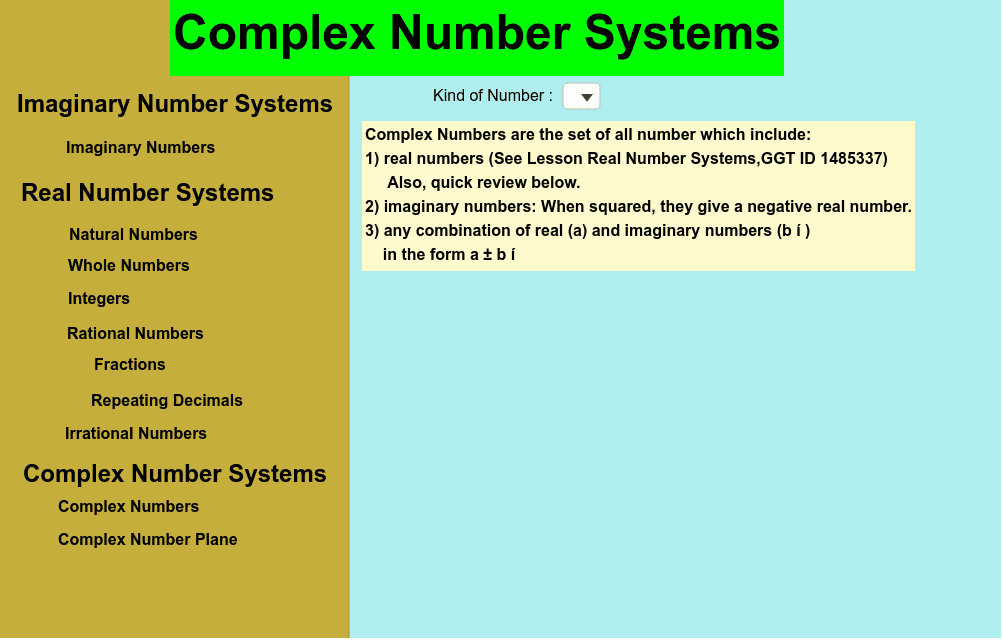
This example introduces the concept of imaginary numbers and their merging with real numbers to learn about complex numbers. Using GeoGebra commands like Polygon and SelectedIndex, it dynamically demonstrates the representation of complex numbers on the complex plane. Suitable for middle school and above students to learn the basic concepts and geometric meanings of complex numbers.
GeoGebra Commands & Parameters
Polygon(Corner[1], Shift1_r, Shift4_r, Corner[4]) → LeftPanel, a, shift1_r, shift4_r, bSelectedIndex(numTypes) → numIndex
AI Drawing Prompt Reference
Draw a graph representing complex numbers. Complex numbers consist of real and imaginary parts, which can be represented by points on the complex plane. The real part corresponds to the horizontal axis, and the imaginary part to the vertical axis. Include the real axis and imaginary axis, and a point representing a complex number. Ensure the graph is clear and shows the relationship between complex numbers and geometric shapes.
The prompt above was compiled from the original drawing commands and is for reference only.