
Interactive Demonstration of Straight Lines, Fractal Geometry, and Quadratic Fun
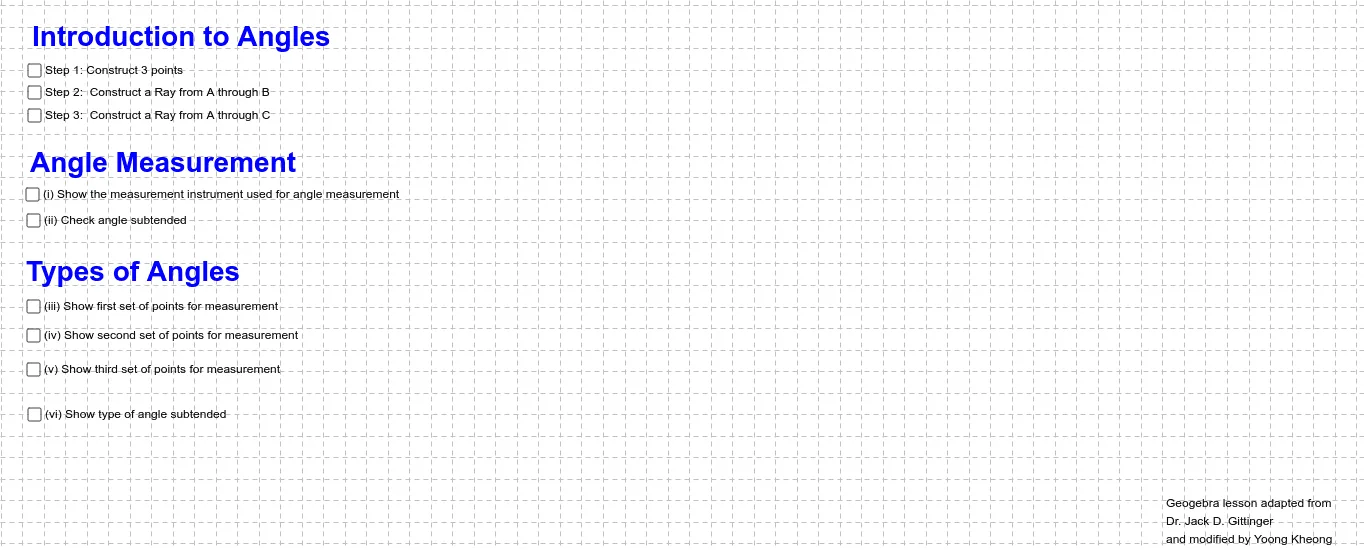
Loading the math board and drawing, please wait…
This example interactively demonstrates geometric phenomena involving straight lines, fractal geometry, and quadratic functions. It covers core math concepts like coordinate geometry, solid geometry, probability & statistics, and trigonometry. Construction highlights include commands like Ray, Circle, Point, Angle, Rotate, and Polygon. Suitable for high school students and educators for teaching and exploration.
GeoGebra Commands & Parameters
Ray(A, B) → aCircle(A, B) → fPoint(f) → CRay(A, C) → gAngle(C, A, B) → αCircle(G, 7.09) → hPoint(h) → DRotate(D, 180*°, G) → D'Angle(D, G, D') → βPolygon(H, F, F_1, H_1) → poly1, h_1, f_1, f_2, h_2
AI Drawing Prompt Reference
Draw a line and a ray, use the ray as a center to draw a circle intersecting the line, mark the intersection point, draw a ray from this point, connect the intersection point and the ray's starting point, draw another circle, mark the intersection point, rotate this point 180 degrees around the circle's center, connect the original and rotated points to form a polygon, demonstrating the construction of lines, circles, points, rotation, and geometric figures.
The prompt above was compiled from the original drawing commands and is for reference only.