
Interactive Color Tile Gallery
Loading the math board and drawing, please wait…
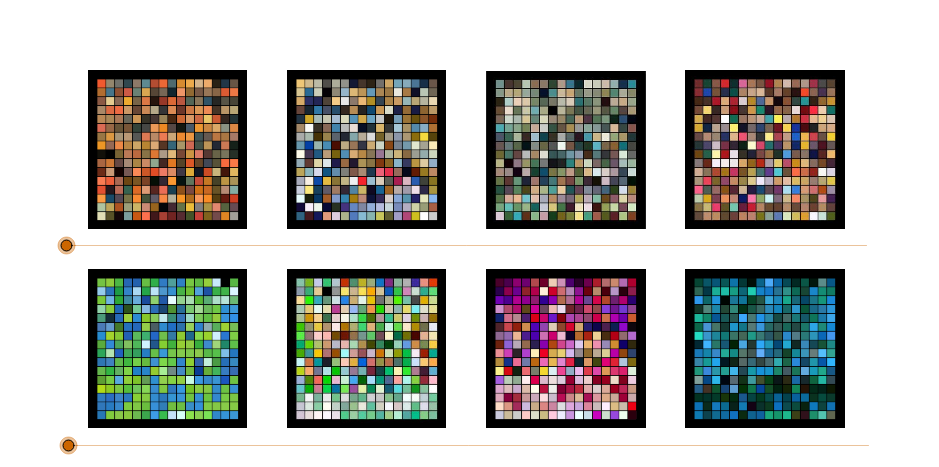
This example demonstrates derivative image generation through polygon combinations, involving core math concepts like rotation, function graphs, sequences and series, ellipses, bar charts, and 2D vectors. Key GeoGebra commands used include Polygon and numerous points (A, B, C, D, etc.) and polygon objects (poly1, poly2, etc.). Suitable for high school and above students to explore visual representations of transformations and function graphs, or for mathematical art display purposes.
GeoGebra Commands & Parameters
Polygon(A, B, C, D) → poly1, a, b, c, dPolygon(E, F, G, H) → poly2, e, f, g, hPolygon(I, J, K, L) → poly3, i, j, k, lPolygon(M, N, O, P) → poly4, m, n, o, pPolygon(Q, R, S, T) → poly5, q, r, s, tPolygon(U, V, W, Z) → poly6, u, v, w, zPolygon(A_1, B_1, C_1, D_1) → poly7, a_1, b_1, c_1, d_1Polygon(E_1, F_1, G_1, H_1) → poly8, e_1, f_1, g_1, h_1Polygon(I_1, J_1, K_1, L_1) → poly9, i_1, j_1, k_1, l_1Polygon(M_1, N_1, O_1, P_1) → poly10, m_1, n_1, o_1, p_1Polygon(Q_1, R_1, S_1, T_1) → poly11, q_1, r_1, s_1, t_1Polygon(U_1, V_1, W_1, Z_1) → poly12, u_1, v_1, w_1, z_1
AI Drawing Prompt Reference
Create a series of overlapping geometric patterns formed by four-sided shapes defined by sets of points arranged and rotated in sequence, demonstrating the effects of rotation and function graphs, while incorporating elements of bar charts and 2D vectors to form a visual art piece.
The prompt above was compiled from the original drawing commands and is for reference only.