
Integer Addition Quiz: Random Practice with Instant Feedback
Loading the math board and drawing, please wait…
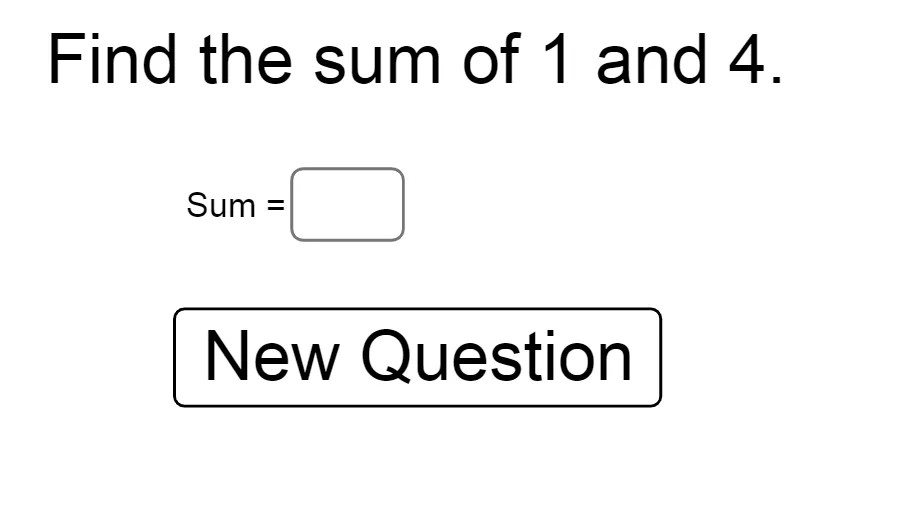
① This interactive example is a practice tool for integer addition, generating two random integers and asking the user to input their sum, with immediate correctness feedback. ② The core mathematical concept is integer addition, covering rules for positive, negative, and zero numbers, reinforcing sign conventions and absolute value calculations. ③ Construction highlights: using GeoGebra's Random command to generate two integers a and b, a Textfield and InputBox1 for user input, an If command to check whether c equals a+b, a button1 to trigger evaluation, and text1/text2 to display the problem and feedback. ④ Suitable for upper elementary to middle school students for integer arithmetic practice, useful in classroom activities or self-study to improve speed and accuracy.
GeoGebra Commands & Parameters
Random(-10, 10) → aRandom(-10, 10) → bTextfield(c) → InputBox1If(c ≟ a + b, "correct", "No, Try again") → text2
AI Drawing Prompt Reference
Create an integer addition practice interface with a randomly generated addition problem displayed in the center, where both addends are integers between -10 and 10. Below the problem, place an input box for the user to type their answer, with a 'Check' button beside it. After submission, show immediate feedback text underneath: if the answer is correct, display 'Correct'; otherwise, display 'No, Try again'. The layout should be clean and student-friendly, with a light background and clearly visible text and input field.
The prompt above was compiled from the original drawing commands and is for reference only.