
Inserting Static Text
Loading the math board and drawing, please wait…
In collections
Learn GeoGebra Classic
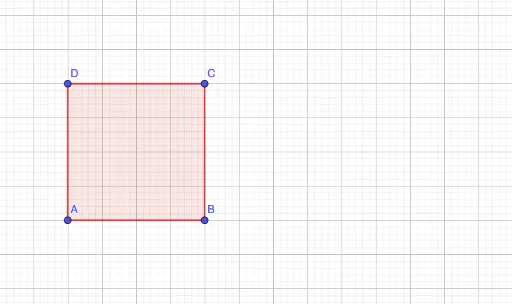
This example demonstrates how to insert static text in GeoGebra. The core math concepts involved are text insertion. Construction highlights include using the Polygon command to create a polygon and inserting text objects. Suitable for middle school and above students for geometric construction practice.
GeoGebra Commands & Parameters
Polygon(A, B, C, D) → q1, a, b, c, d
AI Drawing Prompt Reference
Draw a quadrilateral with four vertices connected in order to form a closed shape. Add a piece of static text inside or near the shape, with content such as a label or description. The layout should clearly show the relationship between the quadrilateral and the text, and the text remains fixed regardless of any changes to the shape.
The prompt above was compiled from the original drawing commands and is for reference only.