
Inserting LaTeX Formulas in GeoGebra by GeoGebra Team
Loading the math board and drawing, please wait…
In collections
Learn GeoGebra Classic
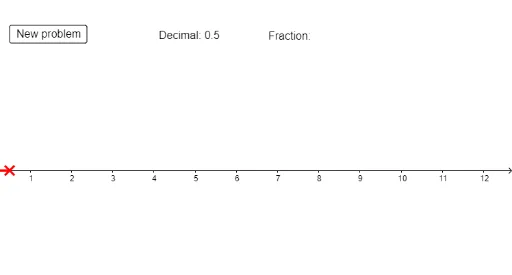
①This example demonstrates how to insert LaTeX mathematical formulas into text objects in GeoGebra, allowing users to display elegant math expressions on the geometry canvas.②The core mathematical concept involves LaTeX typesetting syntax and its integration with geometric objects such as cubes, spheres, centroids, and multiplication operations.③Construction highlights: based on the summary, commands like Random, Intersect, and Segment are used to generate random geometric elements, along with a button (button1) and text objects (text1, text2) to interactively trigger and update the LaTeX formulas, involving objects d, n, frac.④Suitable for middle school and above, this example is ideal for math teachers and students to learn how to embed formulas in dynamic worksheets, enhancing visual explanations of mathematical relationships.
GeoGebra Commands & Parameters
Random(0, 10) → dRandom(1, 10) → nIntersect(xAxis, yAxis) → ASegment(A, B) → a