
Imagine: How Many Angles Are There?
Loading the math board and drawing, please wait…
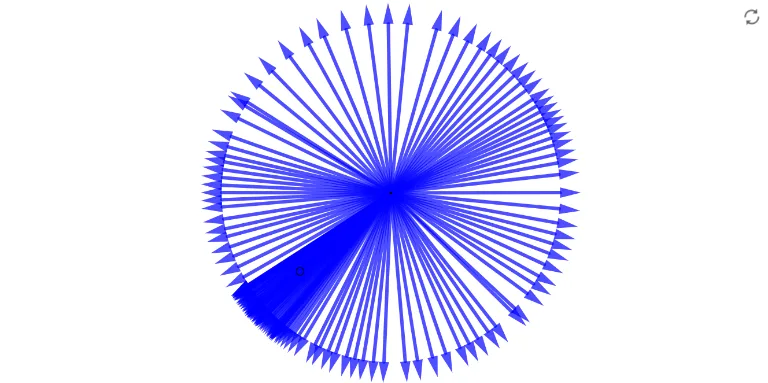
This example demonstrates the exploration of the number and properties of angles by constructing triangles and circles within a circle. Core mathematical concepts involved include circle, triangle, angle, and vector. Construction highlights involve using GeoGebra commands such as Intersect, Point, Circle, Ray, Segment, and Vector to create and manipulate geometric objects. Suitable for high school mathematics education to understand the relationship between circles and triangles and the calculation of angles.
GeoGebra Commands & Parameters
Intersect(xAxis, yAxis) → APoint(xAxis) → BCircle(A, B) → cRay(A, B) → fPoint(c) → CRay(A, C) → gSegment(A, C) → hPoint(g) → DVector(A, D) → u
AI Drawing Prompt Reference
Draw two intersecting lines to form a point of intersection, which will be the center of a circle. Then, draw a circle with the center as the origin and an arbitrary point on one of the lines. From the center, draw a ray along one of the lines, and another ray from the center to the intersection of the circle and the line. Connect the center to the intersection point to form a triangle. Extend the second ray to find its intersection with the circle, and draw a vector from the center to this intersection point to illustrate the relationship between the circle, triangle, and vector.
The prompt above was compiled from the original drawing commands and is for reference only.