
Hypotrochoid Animation
Loading the math board and drawing, please wait…
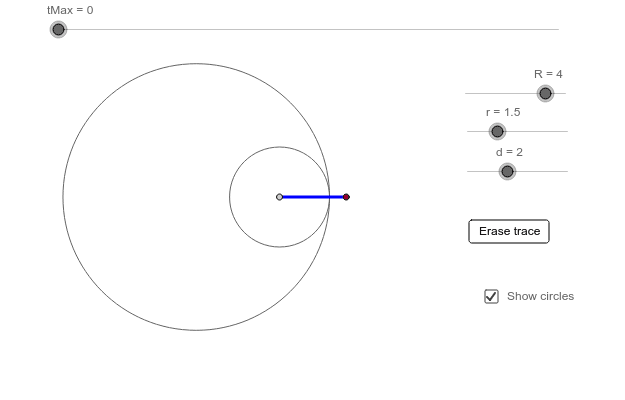
This example demonstrates the formation of a hypotrochoid through animation, where a point on the circumference of a small circle rolling inside a larger circle traces a path. Key math concepts include parametric equations, trigonometry, and geometric transformations. The construction uses GeoGebra commands like Curve, Cartesian, Intersect, Circle, and Segment. Suitable for high school mathematics teaching on parametric equations and locus problems.
GeoGebra Commands & Parameters
CurveCartesian(f(t), g(t), t, 0, tMax) → kIntersect(xAxis, yAxis) → ACircle(A, R) → cCircle(P, r) → eSegment(P, Q) → aSegment(P, Q) → b
AI Drawing Prompt Reference
Animate a small circle rolling inside a larger circle, showing the path traced by a point on the circumference of the small circle, forming a hypotrochoid. The path is defined by parametric equations involving trigonometry. Start by plotting the intersection of the x and y axes, then draw two concentric circles centered at this point. One circle moves over time, and its circumference connects to a fixed point, creating dynamic segments and the traced path.
The prompt above was compiled from the original drawing commands and is for reference only.