
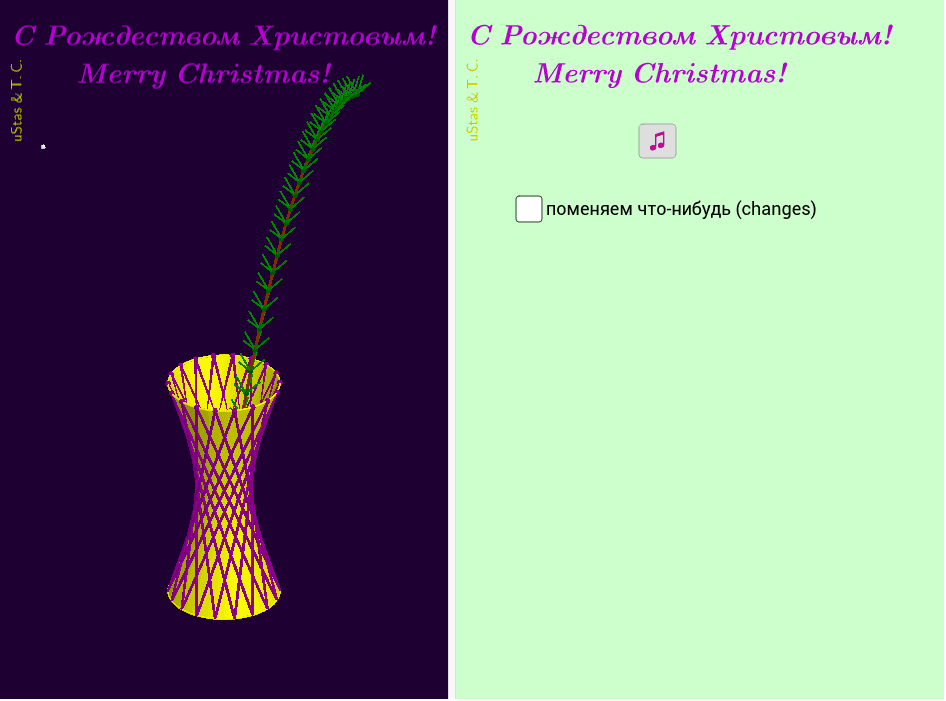
Hyperboloid of One Sheet and Merry Christmas
Loading the math board and drawing, please wait…
This GeoGebra example demonstrates a one-sheet hyperboloid, a type of surface in solid geometry. Using commands like Sequence, Surface, Circle, and RotateText, the example constructs the hyperboloid. Suitable for high school math education or students learning solid geometry.
GeoGebra Commands & Parameters
Sequence((0, u, (-u^(2)) + (6 * u) - 1 + Lift), u, 0.3, 3, 0.1) → s1Length(s1) → ds1Surface((r * (cos(u) - (v * sin(u)))), (r * (sin(u) + (v * cos(u)))), (h * (v + Lift)), u, 0, (6.28319 * k), v, 0, h1) → eCircle(zAxis, A) → pCircle(zAxis, B) → cSurface((r * (cos(u) - (v * sin(u)))), ((-r) * (sin(u) + (v * cos(u)))), ((-h) * (v - Lift)), u, (-6.28319 * k), 0, v, 0, h1) → fSequence(((r * (cos((a * n)) - (h1 * sin((a * n))))), (r * (sin((a * n)) + (h1 * cos((a * n))))), ((-h) * (h1 - Lift))), n, 1, i + i_3) → список2Sequence(((r * (cos((a * n)) - (h1 * sin((a * n))))), (r * (sin((a * n)) + (h1 * cos((a * n))))), (h * (h1 + Lift))), n, 1, i) → список1Sequence(((r * (cos((a * n)) - (h1 * sin((a * n))))), (r * (sin((a * n)) + (h1 * cos((a * n))))), ((-h) * (h1 - Lift))), n, 1, i + i_3) → список4Sequence(((r * (cos((a * n)) - (h1 * sin((a * n))))), (r * (sin((a * n)) + (h1 * cos((a * n))))), (h * (h1 + Lift))), n, 1, i + i_3) → список5Sequence(Segment[Element[список1, u], Element[список2, u + i_3]], u, 1, Length[список1]) → список3Sequence(Translate[Element[s1, u], Vector[(0, 0, 0), (0.2 - δ, 0.2 + δ, 0.3)]], u, 1, ds1) → s2Sequence(Segment[Element[список4, u], Element[список5, u + i_3]], u, 1, Length[список4]) → список6Sequence(Segment[Element[s1, u], Element[s2, u]], u, 1, ds1) → u1Sequence(Rotate[Element[u1, u], 72°, Element[s1, u]], u, 1, ds1) → u2Sequence(Rotate[Element[u1, u], 144°, Element[s1, u]], u, 1, ds1) → u3Sequence(Rotate[Element[u1, u], 216°, Element[s1, u]], u, 1, ds1) → u4Sequence(Rotate[Element[u1, u], 288°, Element[s1, u]], u, 1, ds1) → u5RotateText("uStas\;\&\,T.C.", 90°) → надпись01CurveCartesian(0, u, (-u^(2)) + (6 * u) - 1 + Lift, u, -0.25, 3) → φSphere(Z, δ + ((0.5 * δ) * (-1)^(j))) → Ω_1Sphere(Z, δ - ((0.5 * δ) * (-1)^(j))) → Ω_2