
How to Open Any Resource in GeoGebra App
Loading the math board and drawing, please wait…
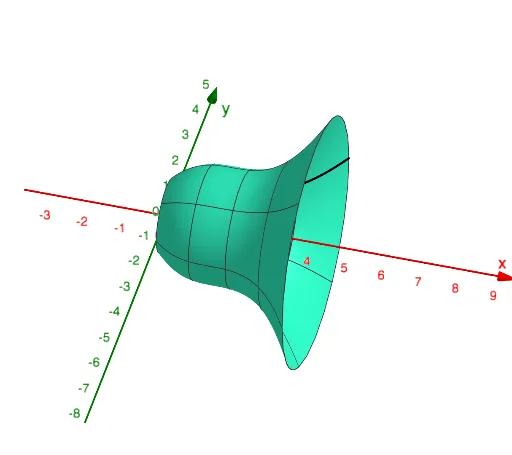
This example demonstrates how to quickly open any resource in any GeoGebra app. It involves drawing function graphs and uses the Surface command to create a surface, as well as objects f, FormSurface, a, and Filling. Suitable for high school and above students or teachers for teaching or self-study.
GeoGebra Commands & Parameters
Surface(f, FormSurface, xAxis) → a
AI Drawing Prompt Reference
Draw a function graph and create a surface containing the function using the surface command, with one boundary being the x-axis, showcasing the relationship between the function and the surface, suitable for teaching or self-study.
The prompt above was compiled from the original drawing commands and is for reference only.