
Histogram: Warm Up Exercises 1
Loading the math board and drawing, please wait…
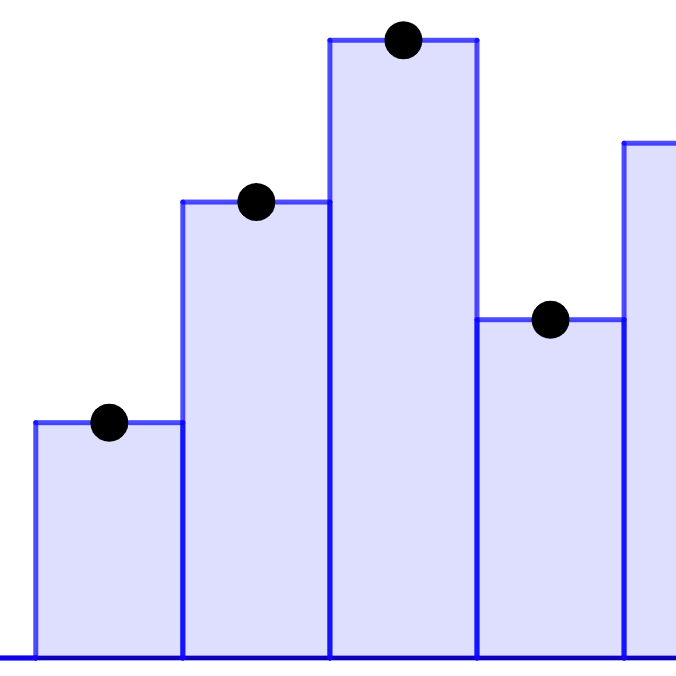
This example demonstrates the construction of a histogram, involving the concept of expected value in statistics. Using GeoGebra commands such as Polygon, it helps understand the mathematical principles behind histograms. Suitable for middle school and above students to learn probability and statistics.
GeoGebra Commands & Parameters
Polygon((0, 0), (10, 0), (10, y(A)), (0, y(A))) → q1, i, m, n, pPolygon((10, 0), (20, 0), (20, y(B)), (10, y(B))) → q2, q, r, s, tPolygon((20, 0), (30, 0), (30, y(C)), (20, y(C))) → q3, f_1, g_1, h_1, i_1Polygon((30, 0), (40, 0), (40, y(D)), (30, y(D))) → q4, j_1, k_1, l_1, m_1Polygon((40, 0), (50, 0), (50, y(E)), (40, y(E))) → q5, n_1, p_1, q_1, r_1Polygon((50, 0), (60, 0), (60, y(F)), (50, y(F))) → q6, s_1, t_1, b_1, c_1Polygon((60, 0), (70, 0), (70, y(G)), (60, y(G))) → q7, d_1, e_1, f_2, g_2Polygon((70, 0), (80, 0), (80, y(H)), (70, y(H))) → q8, h_2, i_2, j_2, k_2Polygon((80, 0), (90, 0), (90, y(I)), (80, y(I))) → q9, l_2, m_2, n_2, p_2Polygon((90, 0), (100, 0), (100, y(J)), (90, y(J))) → q10, q_2, r_2, s_2, t_2
AI Drawing Prompt Reference
Draw an 8-group histogram with rectangles of different colors, each representing a data group. The base of each rectangle lies on the x-axis, and the height is determined by the corresponding function value on the y-axis, ranging from x=0 to x=100 with a width of 10 for each rectangle, showing the distribution of the data.
The prompt above was compiled from the original drawing commands and is for reference only.