
Half Pipe Model
Loading the math board and drawing, please wait…
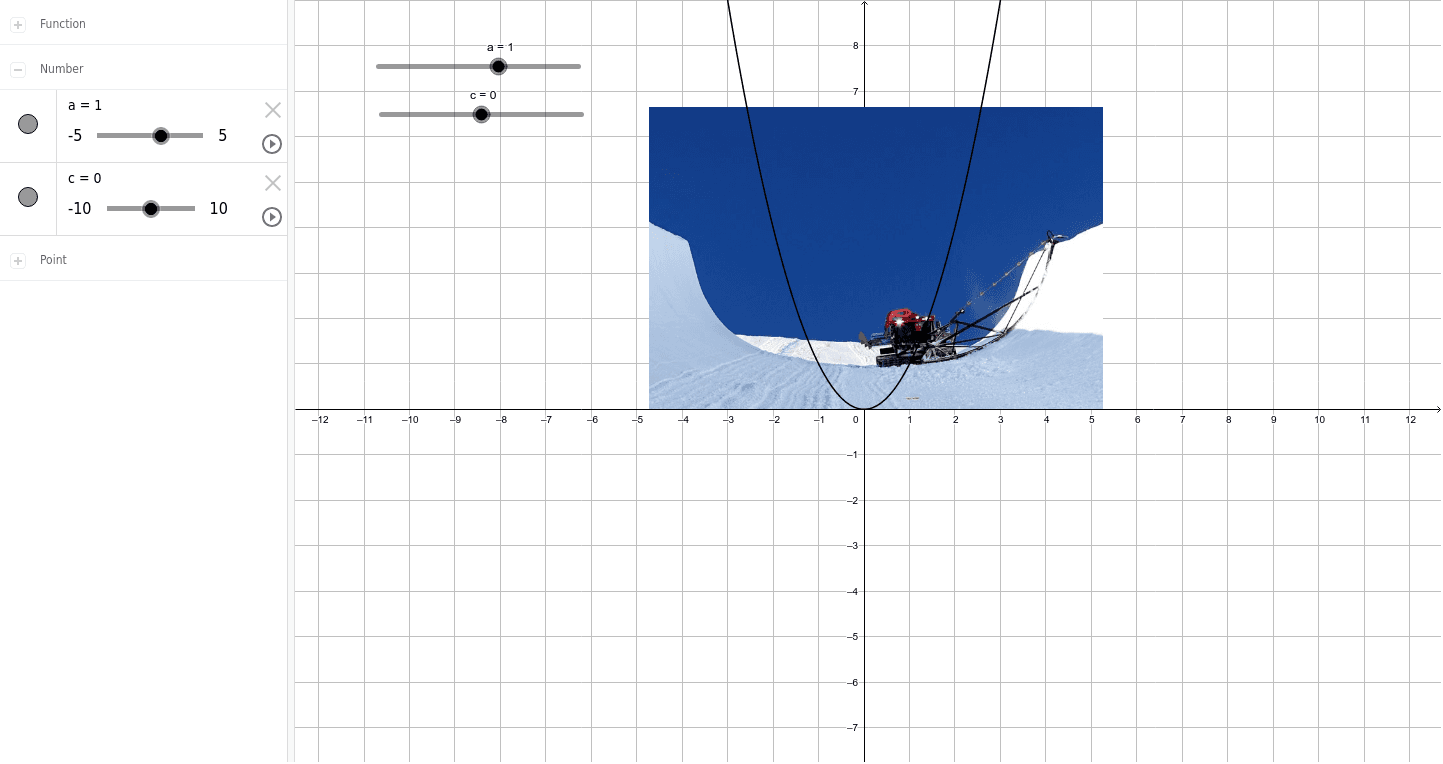
This example dynamically demonstrates the construction and transformation of a half-pipe structure, highlighting 3D geometry concepts. It involves core mathematics like volume calculation, equation solving, logic, and median value in solid geometry. GeoGebra commands a, c, f, A, B, pic1 are used for parametric modeling and visualization. Suitable for high school students and math enthusiasts learning spatial geometry and parametric design.
GeoGebra Commands & Parameters
Numeric a(1)Numeric c(0)f(x) = (a * x^(2)) + cPoint A(-4.736, 0)Point B(5.264, 0)
AI Drawing Prompt Reference
Draw a half-pipe model by first setting parameter a to 1 and c to 0. Then, plot a quadratic function f(x) = x^2. Next, draw points A(-4.736, 0) and B(5.264, 0) on the x-axis. Use these points and the function to construct a half-pipe structure, highlighting 3D geometry concepts.
The prompt above was compiled from the original drawing commands and is for reference only.