
Grade 12 Sequences and Series Quiz: Arithmetic and Geometric Sequences
Loading the math board and drawing, please wait…
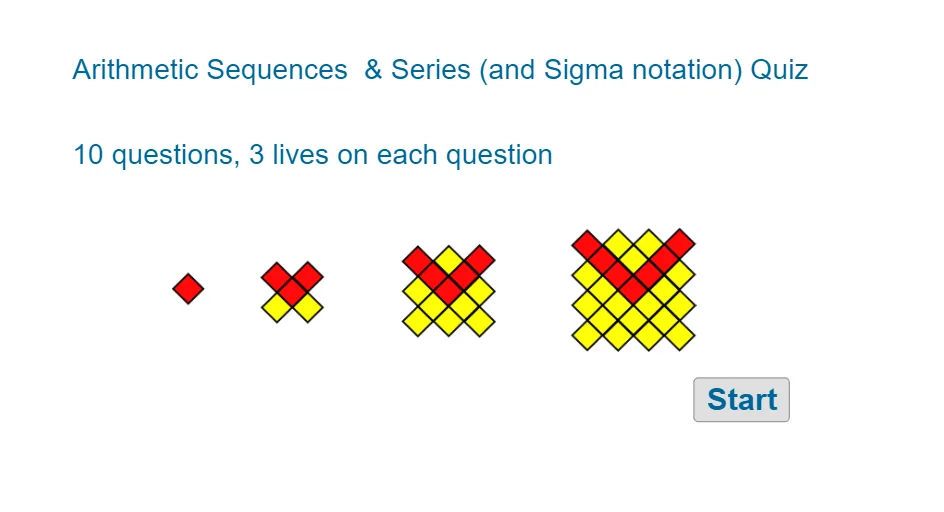
This example demonstrates the graphical representation and properties of arithmetic and geometric sequences. Key mathematical concepts include sequence definitions, formulas for arithmetic and geometric sequences, summation formulas, and limits of sequences. Construction involves using GeoGebra commands such as Sequence, Sum, Random, and Textfield to generate sequence objects, with parameters input via InputBox. Suitable for Grade 12 students for reviewing sequence and series concepts or as a reference for mathematical quizzes.
GeoGebra Commands & Parameters
Textfield(stansq10) → InputBox10Textfield(stansq9) → InputBox9Random(3, 5) → nNq9RandomElement(flist) → fFSequence(fF(n), n, 1, nNq9) → l1Sum(l1) → ansq9AreEqual(InputBox9, ansq9) → corr9Random(4, 12) → mMRandom(5, 12) → nN2ranTextfield(stansq4) → InputBox4Textfield(stansq5) → InputBox5Textfield(stansq6) → InputBox6Textfield(stansq7) → InputBox7Textfield(stansq8) → InputBox8RandomElement(dlist) → dDRandom(5, 50) → alistnRandom(-20, 10) → alistpIf(dD ≤ 0, alistn, alistp) → aAAreEqual(InputBox10, ansq10) → corr10Simplify(tT) → tT1Textfield(stansq1) → InputBox1Random(8, 20) → nN1AreEqual(InputBox7, ansq7) → corr7AreEqual(InputBox6, ansq6) → corr6AreEqual(InputBox8, ansq8) → corr8AreEqual(InputBox5, ansq5) → corr5AreEqual(InputBox4, ansq4) → corr4AreEqual(InputBox1, ansq1) → corr1Corner(5) → dimsTextfield(stfunq2) → InputBox2Textfield(stfunq3) → InputBox3
AI Drawing Prompt Reference
Create a single quiz-style math layout showing two sequence-and-series check prompts. Provide multiple input boxes where a user can type numerical answers, including one input for a value to be compared and another for the computed result. Use randomly chosen parameters to define a sequence starting from a first term and indexed forward for a given number of terms, then compute the total sum of that sequence from the start to the chosen end. Include a correctness indicator for the comparison of the user input with the calculated sum, and add additional input fields plus a corner label that displays a dimension or quiz heading.
The prompt above was compiled from the original drawing commands and is for reference only.