
Geometric Interpretation of Addition with Circle Arc Construction
Loading the math board and drawing, please wait…
In collections
geometriadinamica.es
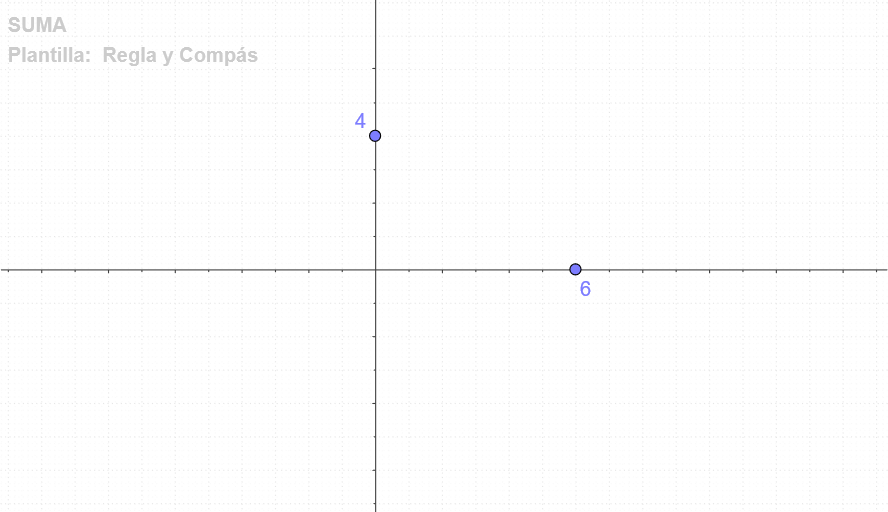
This GeoGebra example demonstrates the geometric interpretation of addition operations using construction commands including Point, OrthogonalLine, Intersect, Circle, and CircleSector. The core mathematical concepts involve representing addition of real numbers geometrically, understanding the relationship between geometric mean and slope, and exploring properties of prisms. Construction highlights: create key points (A, B, C, D), draw perpendicular lines to establish right-angle relationships, find intersection points to determine geometric positions, and complete visualization with circles and circular sectors. Suitable for secondary school mathematics teaching, helping students understand the geometric background of abstract operations and develop mathematical thinking through the integration of algebra and geometry. Also applicable for introductory coordinate geometry and solid geometry instruction.
GeoGebra Commands & Parameters
Point(yAxis) → BPoint(xAxis) → AOrthogonalLine(A, xAxis) → cOrthogonalLine(B, yAxis) → dIntersect(c, d) → CCircle(A, C) → eCircleSector(A, D, C) → f
AI Drawing Prompt Reference
In a coordinate plane, construct two key points: place point B on the y-axis and point A on the x-axis. Draw the line through A perpendicular to the x-axis and the line through B perpendicular to the y-axis; let these intersect at point C. Construct a circle with center A passing through C. Then use the configuration of points A, D, and C to draw the corresponding circular sector (the arc sector determined by A, D, and C). The figure should emphasize right-angle relationships, intersection-based geometry, and representation using a circle and a circular sector to visualize geometric meaning of addition.
The prompt above was compiled from the original drawing commands and is for reference only.