
Geogebra Translation and Polygon Demo
Loading the math board and drawing, please wait…
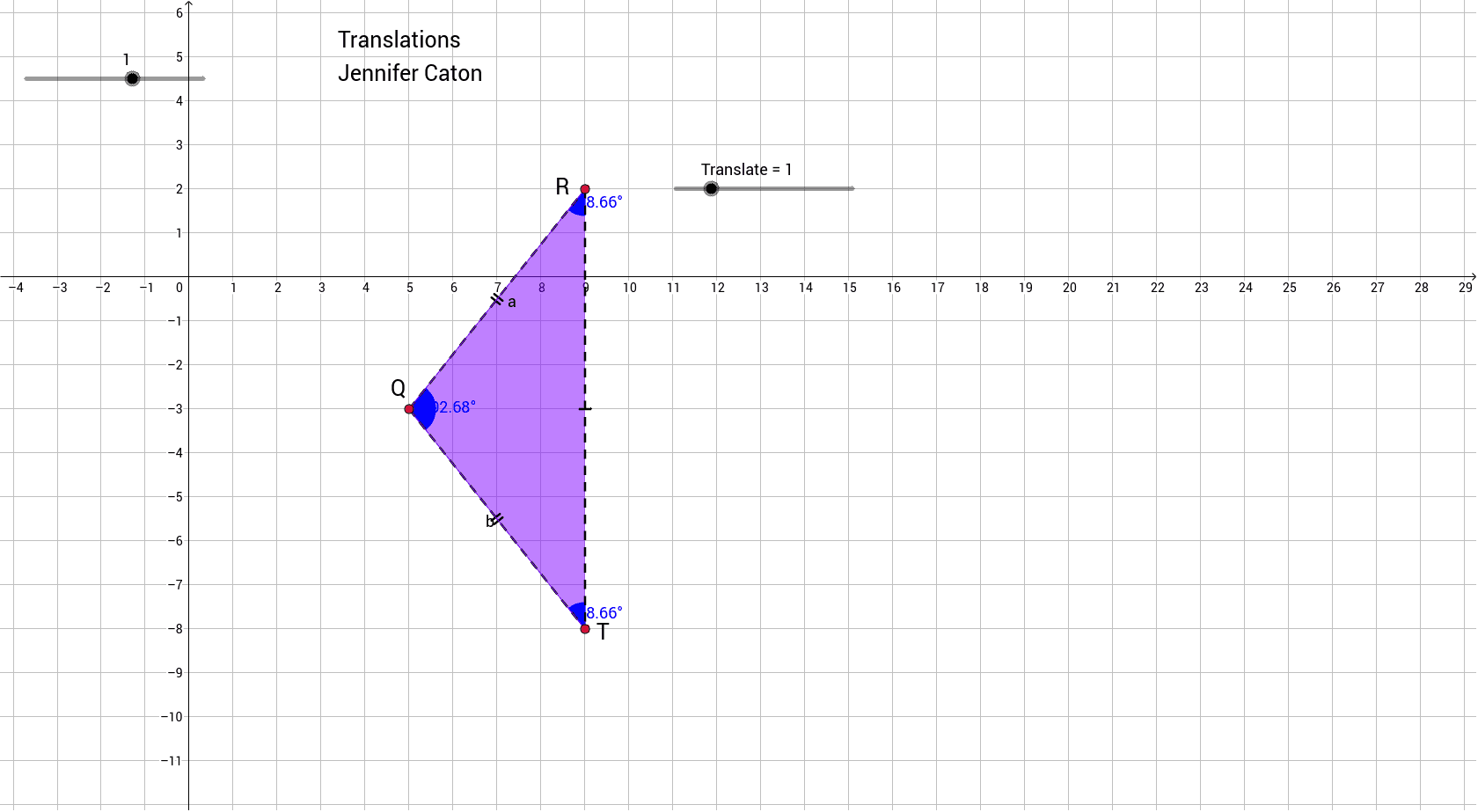
This example demonstrates geometric transformations, particularly translations, using GeoGebra, showcasing polygon and angle changes. Core math concepts include transformations, vectors, polygon construction, angle measurement, and coordinate geometry. It uses commands like Circle, Segment, Point, Polygon, Angle, and the Translate function along with slider animations. Suitable for high school mathematics teaching to understand geometric transformations and applications of coordinate geometry.
GeoGebra Commands & Parameters
Circle(A, B) → cSegment(A, B) → aPoint(c) → CSegment(A, C) → bPolygon(A, B, C) → poly1, c_1, a_1, b_1Angle(B, A, C) → αAngle(A, C, B) → βAngle(A, B, C) → γAngle(B, A, B) → δAngle(B, A, B) → εAngle(B, A, B) → ζ
AI Drawing Prompt Reference
Start by drawing a circle with a center point and another point on the circumference, connecting them to form a radius. Pick a third point on the circle, then construct a triangle using the center and the two circumference points. Measure the three interior angles of the triangle. Additionally, create three duplicate angles, each with its vertex at the center and sides along the radius, but slightly rotated to illustrate translation. The whole figure demonstrates how angles change under translation, suitable for teaching.
The prompt above was compiled from the original drawing commands and is for reference only.