
GeoGebra Example: Binomial Distribution Bar Charts
Loading the math board and drawing, please wait…
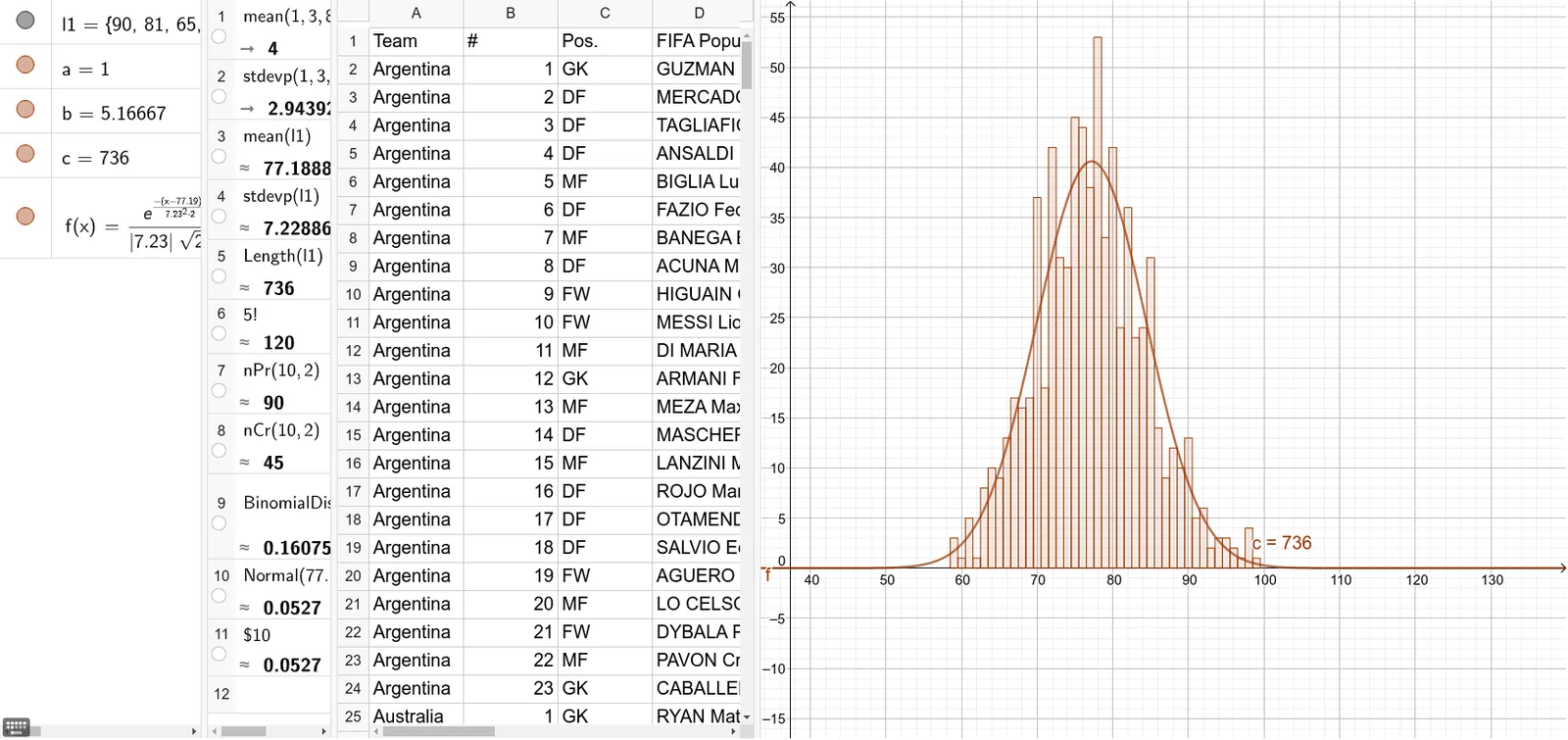
This GeoGebra example demonstrates how a binomial distribution’s discrete probabilities are visualized as a bar chart for a given set of parameters, supporting classroom discussion of random (stochastic) processes. Key concepts include the binomial distribution (BinomialDist), probability mass functions of discrete random variables, and visual comparison of probabilities using a bar chart. The construction uses GeoGebra commands BinomialDist to compute the probability values and BarChart to render them as bars; the provided construction summary indicates BinomialDist and BarChart, along with multiple plotted objects (e.g., A1–I5) to organize the probability columns for different outcomes and/or parameter settings. Suitable for secondary school to undergraduate introductory probability & statistics, as well as random process lectures and demonstrations.
GeoGebra Commands & Parameters
BinomialDist(5, 1 / 6, false) → aBinomialDist(5, 1 / 6, true) → bBarChart(l1, 1) → c
AI Drawing Prompt Reference
Create a bar chart illustrating a binomial distribution with five trials and a success probability of one-sixth. The horizontal axis represents the number of successes from zero to five, and the vertical axis shows probability. Display two sets of data: one set of discrete probability values as colored bars, and another set of cumulative probabilities as a stepped line or shaded area. Label each bar with its corresponding probability value, and highlight the overall shape of the distribution. The chart should be clean and suitable for classroom use, emphasizing the discrete nature of the random variable.
The prompt above was compiled from the original drawing commands and is for reference only.