
GeoGebra 3D Graphics View: Features and Operations Guide
Loading the math board and drawing, please wait…
In collections
学习 GeoGebra 经典应用
This example introduces the 3D Graphics View feature in GeoGebra software, demonstrating how to create and manipulate mathematical objects in three-dimensional space. The core content includes: establishing 3D coordinate systems, switching between views, drawing solid geometry objects (planes, spheres, cylinders, cones, polyhedra, etc.), creating spatial vectors and surfaces, and interactive operations like rotation, translation, and scaling of 3D objects. Key GeoGebra commands covered: Sphere, Cylinder, Cone, Plane, Polygon3D, Surface, and more. Suitable for teachers and students at middle school level and above, this content can be used for solid geometry teaching, spatial visualization training, and mathematics software skill development. It serves as an important reference for teachers preparing lessons to understand GeoGebra's 3D capabilities.
AI Drawing Prompt Reference
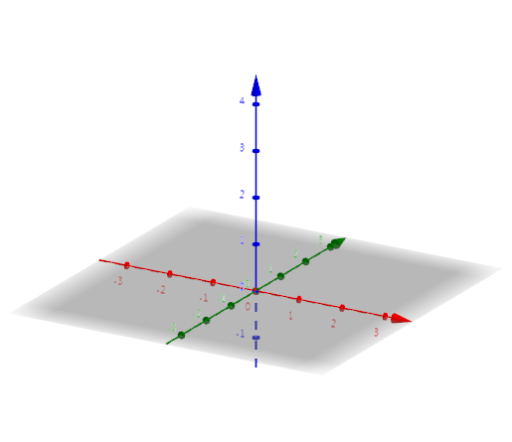
Create a 3D scene with a coordinate system showing axes, a semi-transparent reference plane, and several solid objects placed separately: a sphere, a cylinder, a cone, a polyhedron (like a prism), and a wavy surface. Add a few spatial vectors as arrows. Arrange them so they are clearly visible and can be rotated, moved, and scaled to explore their spatial relationships.
The prompt above was compiled from the original drawing commands and is for reference only.