
Generating Conic Sections
Loading the math board and drawing, please wait…
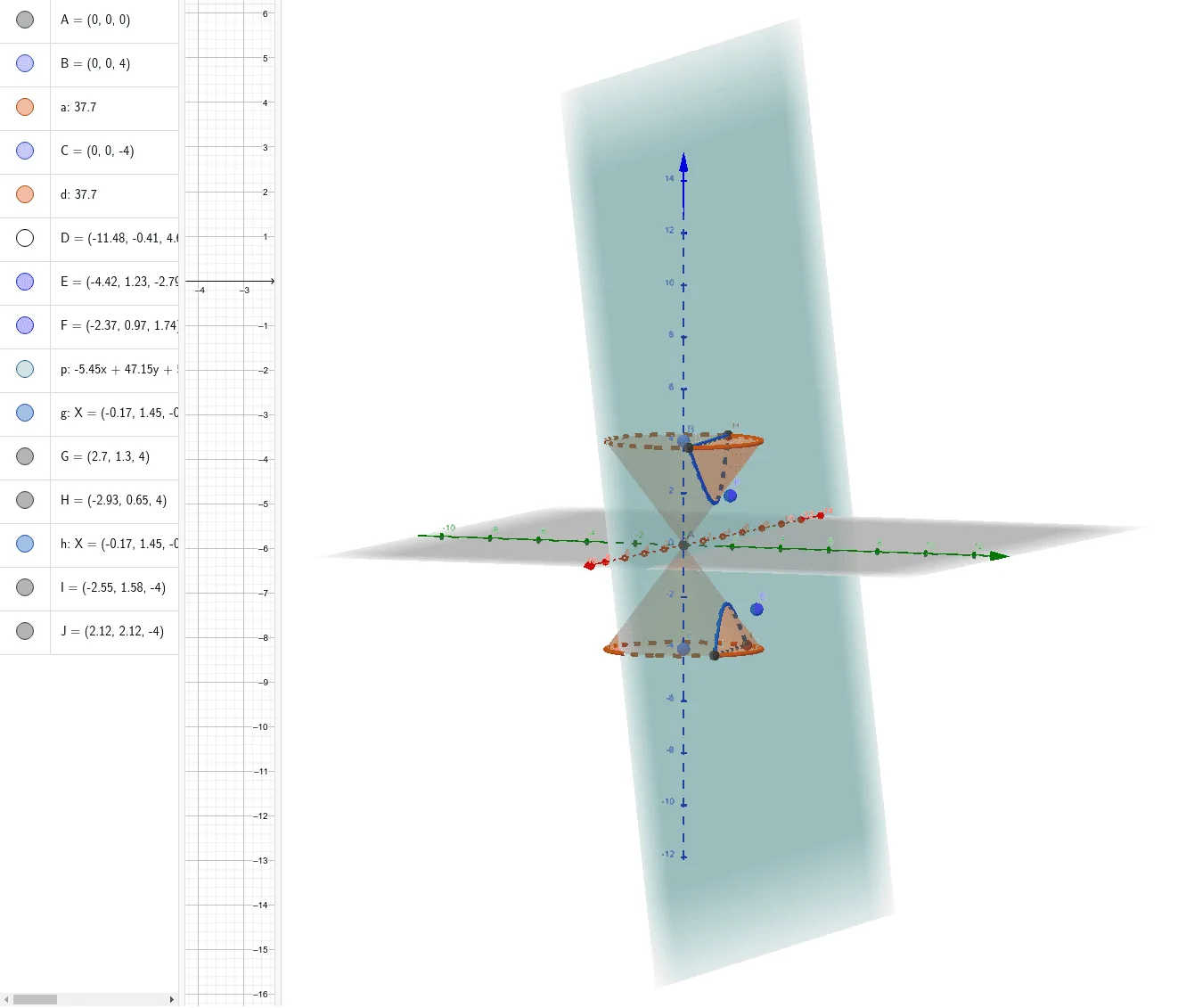
This example demonstrates how to generate conic sections using GeoGebra. Key mathematical concepts include the definition and properties of conic sections. Commands such as Intersect, Point, Cone, and Plane are used to construct circles, ellipses, hyperbolas, and parabolas. Suitable for high school mathematics education and learning.
GeoGebra Commands & Parameters
Intersect(zAxis, xAxis) → APoint(zAxis) → BCone(B, A, 3) → a, c, bPoint(zAxis) → CCone(C, A, 3) → d, e, fPlane(D, F, E) → pIntersectPath(p, a) → gCorner(g) → G, HIntersectPath(p, d) → hCorner(h) → I, J
AI Drawing Prompt Reference
Construct a 3D coordinate system and use the intersection point of the main axes as a key reference. Create two conical surfaces of the same type whose definitions share a common vertical axis, each using a different point to determine the cone’s apex direction. Then choose a plane determined by three key directions/points associated with the cones. Intersect this plane with each cone to obtain curve-like intersection paths. On the resulting paths, identify the corner points that mark the main boundary/turning locations; for each cone’s intersection, produce a pair of corner points so the overall outline of the conic section on the plane is clearly indicated.
The prompt above was compiled from the original drawing commands and is for reference only.