
General Conic Sections
Loading the math board and drawing, please wait…
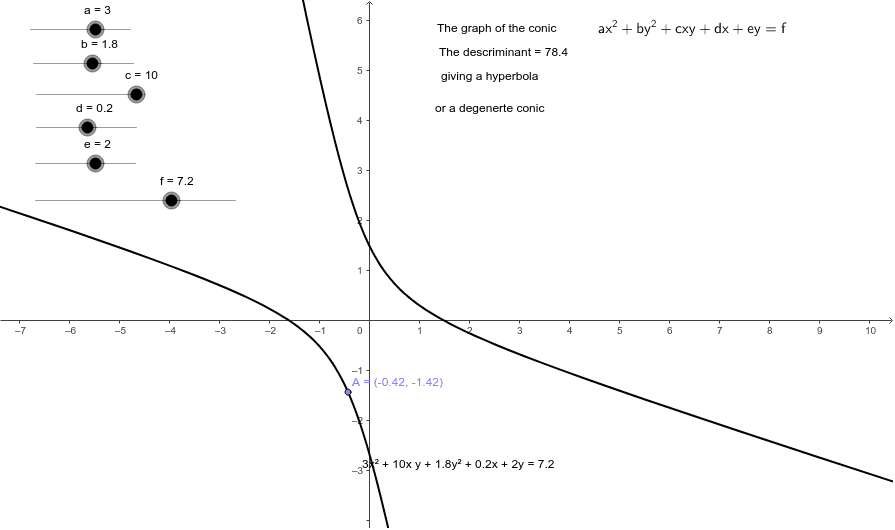
This example demonstrates how to dynamically draw general conic sections by adjusting parameters. Key math concepts include conic sections, dilation, prism, inequalities, and kite. Construction highlights involve GeoGebra commands like Point, If, and objects such as c, b, a, d, e, f, conic, A, T1, disc, T2, T3, T5, T6, T4, T7, T8. It is suitable for high school and above students to explore the properties and transformations of conic sections, ideal for mathematics education and exploration.
GeoGebra Commands & Parameters
Point(conic) → AIf(disc > 0, T4, If[disc < 0, T6, T5]) → T7
AI Drawing Prompt Reference
Draw a dynamic illustration of general conic sections by adjusting parameters, featuring key mathematical concepts like conic sections, dilation, prism, inequalities, and kites. Start by plotting a point on the conic section, then select different display styles based on inequality conditions, suitable for high school and above students to explore properties and transformations of conic sections.
The prompt above was compiled from the original drawing commands and is for reference only.