
Gauss Law Planar Symmetry Demonstration
Loading the math board and drawing, please wait…
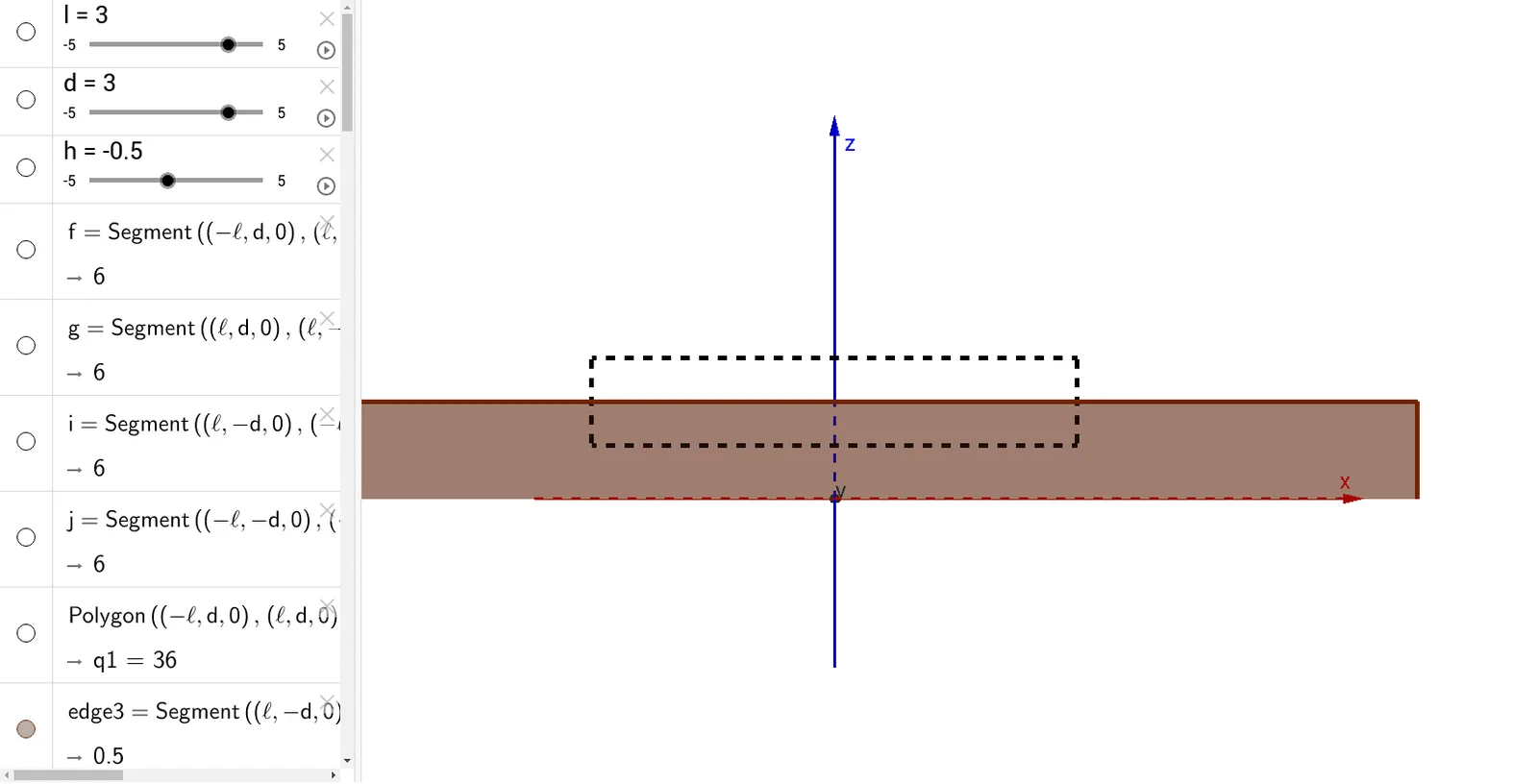
This example demonstrates the application of Gauss's Law under planar symmetry, illustrating the relationship between electric flux and charge distribution through a prism model construction. Key mathematical concepts include symmetry principles, integral calculations, geometric construction, and vector analysis. GeoGebra commands like Polygon and Prism are used to create bases, lateral faces, vertices, and edges. Suitable for high school physics and mathematics education to understand Gauss's Law in electromagnetism and geometric modeling.
GeoGebra Commands & Parameters
Polygon(((-l), d, 0), (l, d, 0), (l, (-d), 0), ((-l), (-d), 0)) → q1, f, g, i, jPrism(q1, h) → b, A, edge1, edge2, edge3, edge4, edgeAB, edgeBC, edgeCD, edgeAD, B, C, D, face1, face3, face4, face2, faceABCDPolygon(((-X), X, (-h) + Z / 2), (X, X, (-h) + Z / 2), (X, (-X), (-h) + Z / 2), ((-X), (-X), (-h) + Z / 2)) → q2, k, m, n, pPrism(q2, Z) → a, E, edge5, edge6, edge7, edge8, edgeEF, edgeFG, edgeGH, edgeEH, F, G, H, face5, face7, face8, face6, faceEFGH
AI Drawing Prompt Reference
Draw a demonstration of Gauss's Law under planar symmetry, featuring a prism with a rectangular base and another prism with a parallelogram base on top, illustrating the relationship between electric flux and charge distribution. Start by constructing a prism with a rectangular base, then add a second prism with a parallelogram base on top, connected by lateral faces, to showcase symmetry and geometric integration.
The prompt above was compiled from the original drawing commands and is for reference only.