
Fractions and Attaching Text
Loading the math board and drawing, please wait…
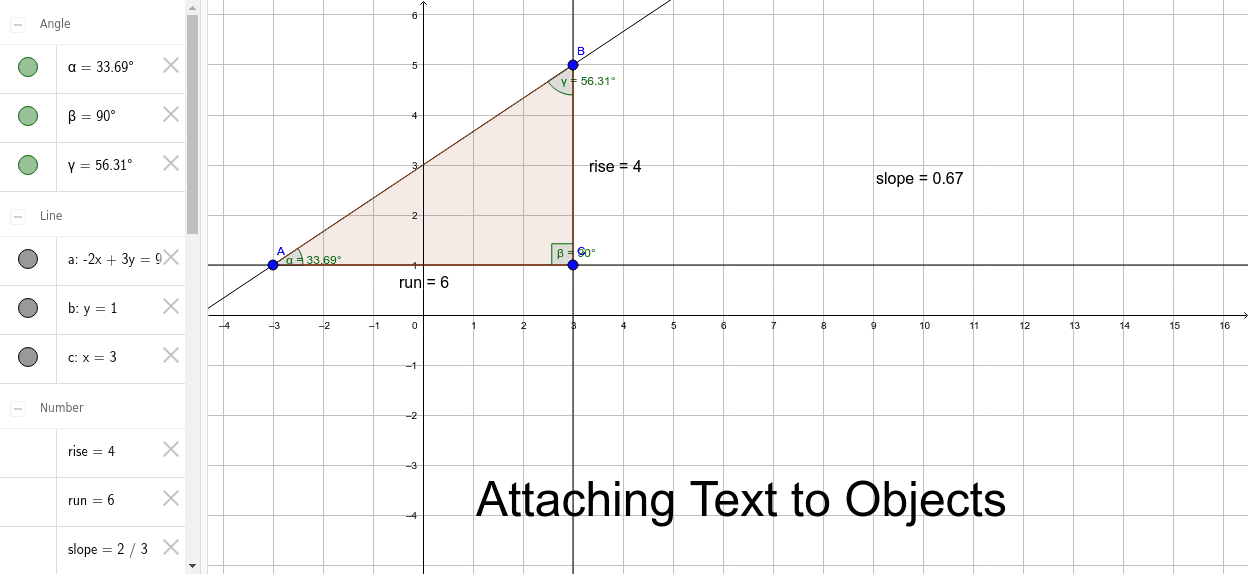
This example demonstrates how to create geometric figures with fractions and attached text annotations in GeoGebra. It involves core math concepts like fraction representation, coordinate geometry, angle calculation, and polygon construction. Key GeoGebra commands used include Line, Polygon, Angle, Midpoint to construct objects such as A, B, a, C, b, c, poly1, b_1, a_1, c_1, α, β, γ, rise, run, text2, slope, text3, text4, D, E, text1. Suitable for middle school students and teachers for learning and demonstration purposes.
GeoGebra Commands & Parameters
Line(A, B) → aLine(A, C) → bLine(B, C) → cPolygon(A, C, B) → poly1, b_1, a_1, c_1Angle(poly1) → α, β, γMidpoint(B, C) → DMidpoint(A, C) → E