
Fraction Reduction
Loading the math board and drawing, please wait…
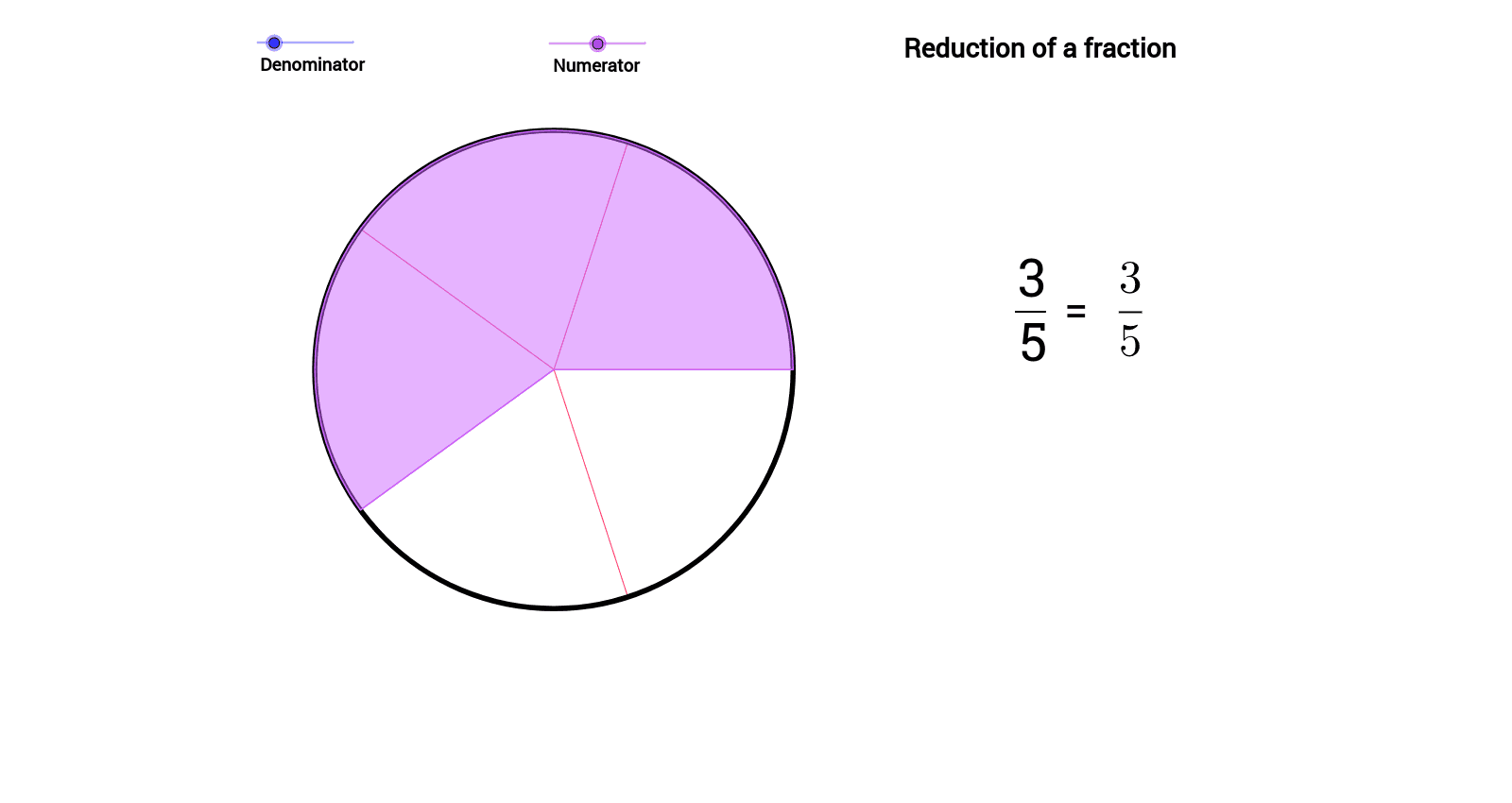
This example demonstrates how to dynamically adjust the numerator and denominator of a fraction using sliders, visually showing the process of reducing a fraction. Key math concepts include the fundamental properties of fractions, reduction, and simplest form. It uses GeoGebra commands like Circle, Sequence, CircleSector, and Segment. Suitable for middle school mathematics teaching to help students understand the principles and operations of fraction reduction.
GeoGebra Commands & Parameters
Circle((0, 0), 1) → cSequence(Segment[(cos(2 * s_1 * π / b_1), sin(2 * s_1 * π / b_1)), (0, 0)], s_1, 1, b_1, 1) → list1CircleSector((0, 0), (1, 0), (cos(2 * a * π / b_1), sin(2 * a * π / b_1))) → dCircle((0, 0), 1) → eSegment(A, B) → fSequence(Segment[(cos(2 * s_2 * π / q), sin(2 * s_2 * π / q)), (0, 0)], s_2, 1, q, 1) → list2
AI Drawing Prompt Reference
Draw a unit circle and use two sliders to dynamically adjust the numerator and denominator of a fraction, visually representing the fraction's value with sectors and segments inside the circle to demonstrate the reduction process, suitable for teaching purposes.
The prompt above was compiled from the original drawing commands and is for reference only.