
Fraction Division Practice
Loading the math board and drawing, please wait…
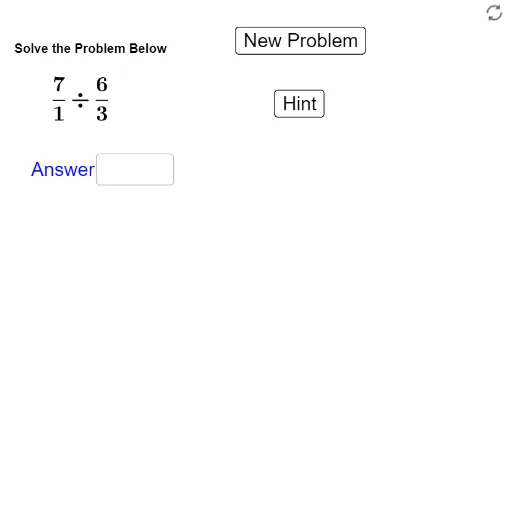
This example demonstrates the calculation and visualization process of fraction division. Core math concepts include fraction operations, geometric shapes (like equilateral triangles), and function graphs. The construction utilizes GeoGebra commands such as Random, RandomElement, and Textfield, along with objects like blist, a, b, c, d, etc., to generate random numbers and display text. Suitable for middle school mathematics teaching, helping students understand and practice fraction division.
GeoGebra Commands & Parameters
Random(1, 10) → aRandomElement(blist) → bRandom(1, 10) → cRandomElement(blist) → dTextfield(f_1) → inputBox1
AI Drawing Prompt Reference
Create a fraction division practice scene where two random fractions are generated with numerators and denominators between 1 and 10, and two additional denominators are chosen from a preset list; illustrate the division using geometric shapes such as equilateral triangles to show the area relationship between dividend and divisor, and include a function graph to visualize how the quotient changes; provide a text input box for the learner to enter the answer, with a clear, interactive layout suitable for middle‑school mathematics teaching.
The prompt above was compiled from the original drawing commands and is for reference only.