
Fixed Perimeter Rectangle
Loading the math board and drawing, please wait…
In collections
CBSE Class VI Maths
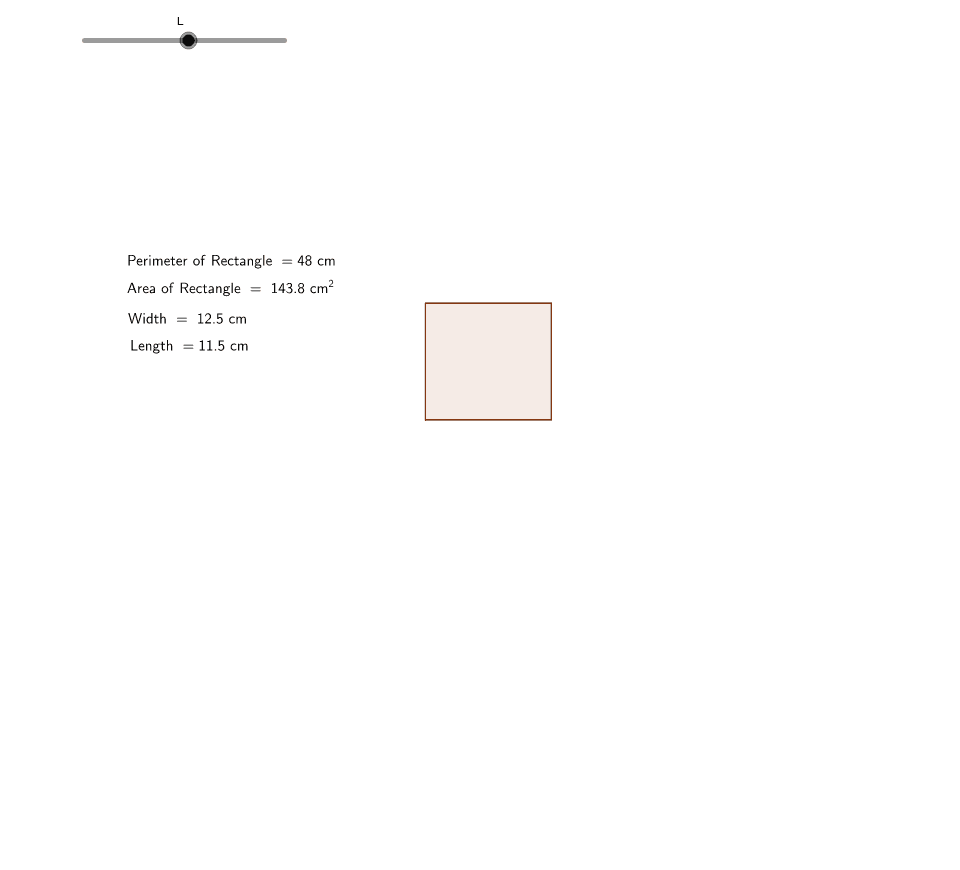
This example demonstrates how the lengths of a rectangle's sides vary when its perimeter is fixed. Core math concepts include perimeter, area, and coordinate geometry. It is constructed using commands like Circle, Point, Segment, Rotate, etc. Suitable for middle school students and beyond to explore geometric properties and variable relationships, ideal for mathematical education demonstrations.
GeoGebra Commands & Parameters
Circle(A, L) → cPoint(Circle[A, L]) → BSegment(A, B) → aCircle(A, (16 - (2 * L)) / 2) → dRotate(B, 90*°, A) → B'Ray(A, B') → bIntersect(d, b) → C, FOrthogonalLine(C, b) → eOrthogonalLine(B, a) → fIntersect(f, e) → DSegment(D, B) → gSegment(C, D) → hSegment(A, C) → iPolygon(C, D, B, A) → poly1, c_1, d_1, b_1, a_1Point(Circle[B, 0]) → E
AI Drawing Prompt Reference
Draw a rectangle with a fixed perimeter, where the length and width change while the perimeter remains constant. Start by drawing a circle, then take a point on the circle as one vertex of the rectangle, draw one side of the rectangle, then draw a circle corresponding to this side, rotate this point 90 degrees to get another vertex of the rectangle, draw the other two sides, and finally connect these points to form a rectangle.
The prompt above was compiled from the original drawing commands and is for reference only.