
Finding the Intersection Point of a Line and a Plane
Loading the math board and drawing, please wait…
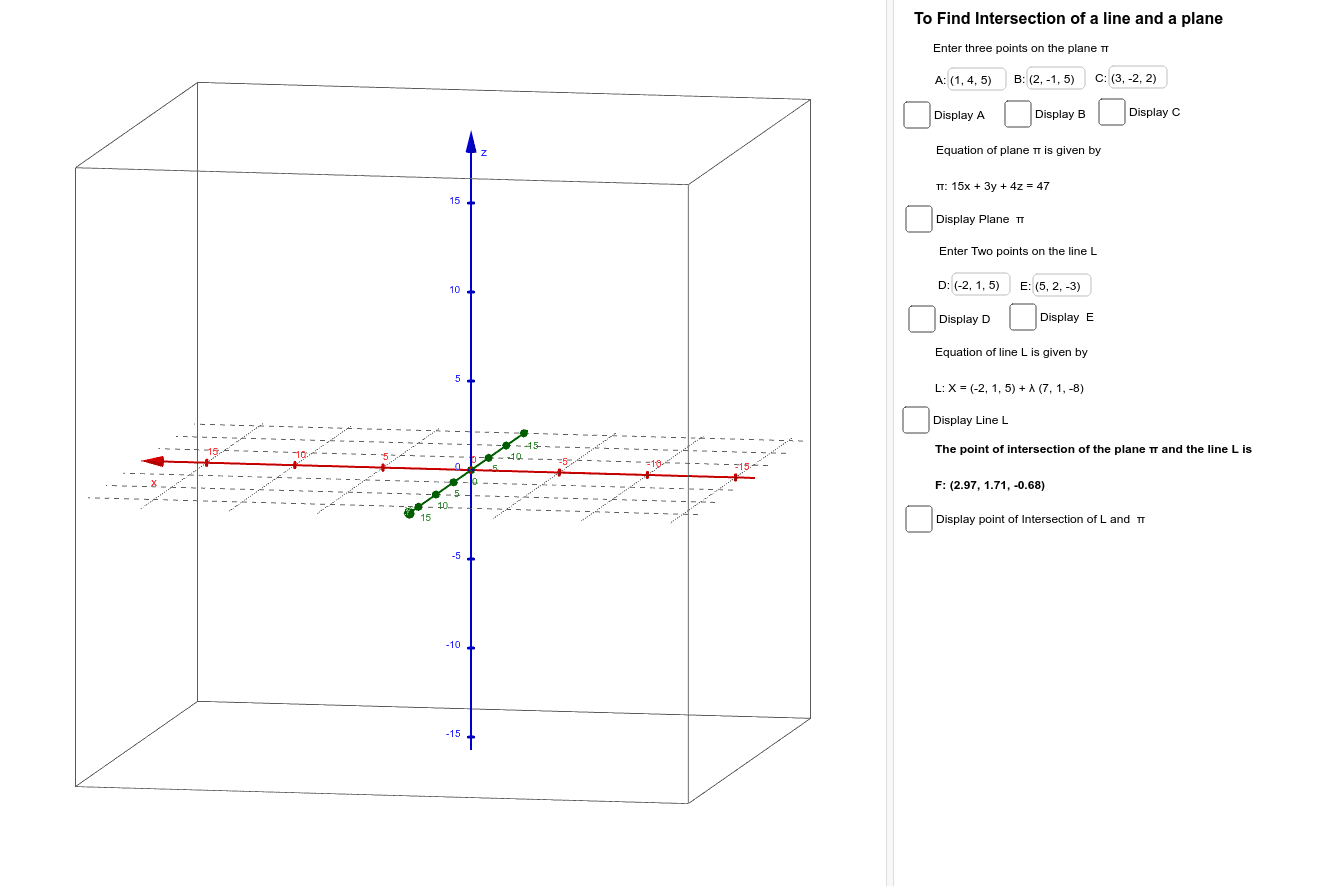
This example demonstrates how to find the intersection point of a line and a plane in 3D space. The core mathematical concepts involve spatial analytic geometry, including the equations of a line and a plane, and solving them simultaneously. The construction uses GeoGebra commands such as Plane, Line, and Intersect to create the objects and compute the intersection directly. Additionally, Textfield and InputBox are used to provide interactive input fields for modifying parameters, and OrthogonalVector is used to define the normal vector of the plane. This example is suitable for high school or early college students learning spatial geometry, as it allows dynamic adjustment of the line or plane to observe how the intersection point changes, enhancing understanding of spatial relationships.
GeoGebra Commands & Parameters
Plane(A, B, C) → aLine(D, E) → bIntersect(b, a) → FTextfield(A) → InputBox1Textfield(B) → InputBox2Textfield(C) → InputBox3Textfield(D) → InputBox4Textfield(E) → InputBox5OrthogonalVector(a) → u