
Finding Area and Perimeter of a Random Quadrilateral
Loading the math board and drawing, please wait…
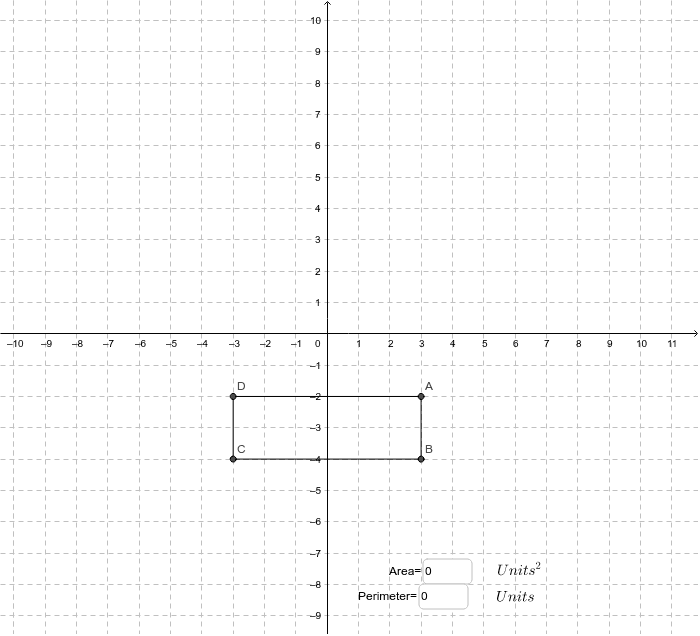
This example demonstrates how to calculate the area and perimeter of a randomly generated quadrilateral. It involves core mathematical concepts such as area and perimeter calculations. The construction uses GeoGebra commands and objects like Segment, Textfield, points A, B, C, D, side lengths a, b, c, d, Area, and Perimeter. Suitable for middle school and above mathematics education, for practice in geometric calculations.
GeoGebra Commands & Parameters
Segment(A, B) → aSegment(B, C) → bSegment(A, D) → cSegment(D, C) → dTextfield(are) → inputBox1Textfield(p) → inputBox2
AI Drawing Prompt Reference
Draw a random quadrilateral and calculate its area and perimeter. First, create four points A, B, C, and D, then connect them to form the quadrilateral. Next, measure the lengths of AB, BC, CD, and DA, naming them a, b, c, and d respectively. Finally, calculate the area and perimeter of the quadrilateral and display the results on the canvas.
The prompt above was compiled from the original drawing commands and is for reference only.