
Solve Equations
Loading the math board and drawing, please wait…
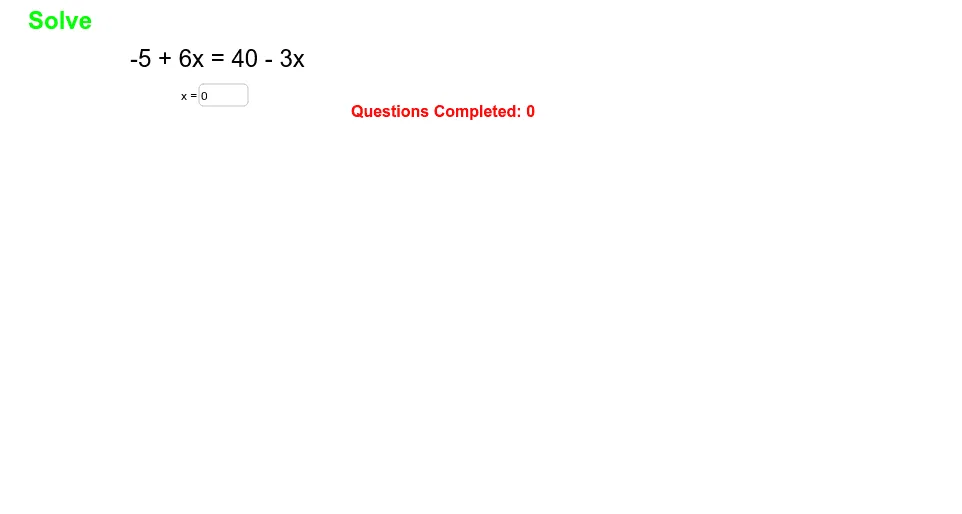
This example demonstrates solving equations. Key mathematical concepts include methods of solving equations. It uses GeoGebra commands like RandomElement and Textfield to generate and input solutions. Suitable for students at middle school level and above.
GeoGebra Commands & Parameters
RandomElement(list1) → ansRandomElement(list2) → gRandomElement(list2) → m_1RandomElement(list1) → b_1RandomElement(list1) → m_2Textfield(sol) → inputBox1
AI Drawing Prompt Reference
Create a teaching diagram for solving equations. In the center, place a text input box for entering the solution. Above or beside the box, randomly display a simple linear equation with two terms, such as 'a*x + b = c*x + d', where the coefficients and constants are randomly chosen from given sets. The layout should be clean, emphasizing the equation and the input box, suitable for middle school students.
The prompt above was compiled from the original drawing commands and is for reference only.