
Find the Midpoint: Circle and Segment Construction
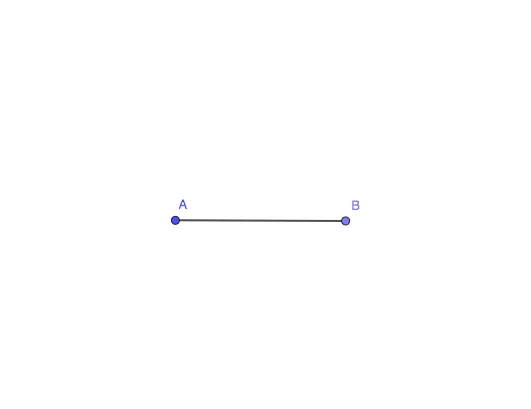
Loading the math board and drawing, please wait…
In collections
The Right Tool - games (Introduction to Constructions)
This GeoGebra example demonstrates how to construct and identify the midpoint of a line segment using the intersection of circles and the segment itself. The core mathematical concept is the definition of a midpoint and the property of a circle as the set of points equidistant from a center. The construction uses the classic compass-and-straightedge method: draw two equal-radius circles centered at the segment's endpoints; the line connecting their intersection points crosses the segment at its midpoint. Key construction steps involve the Circle command to create the two circles, the Point command to mark intersection points, and the Segment command to draw the original segment and highlight the midpoint. This example is suitable for middle school geometry lessons on basic constructions and the midpoint theorem, as well as for high school coordinate geometry to visually verify the midpoint formula. By dragging the endpoints, students can observe how the midpoint moves dynamically, reinforcing the concept of geometric invariance.
GeoGebra Commands & Parameters
Circle(A, 5) → cPoint(c) → BSegment(A, B) → f
AI Drawing Prompt Reference
Draw a line segment AB, then draw two circles with the same radius centered at A and B. The intersection points of these circles will be the midpoint of AB. Finally, use the segment tool to connect A and B, and the point tool to mark the midpoint.
The prompt above was compiled from the original drawing commands and is for reference only.