
Find the Equation of a Perpendicular Line Using Intercepts
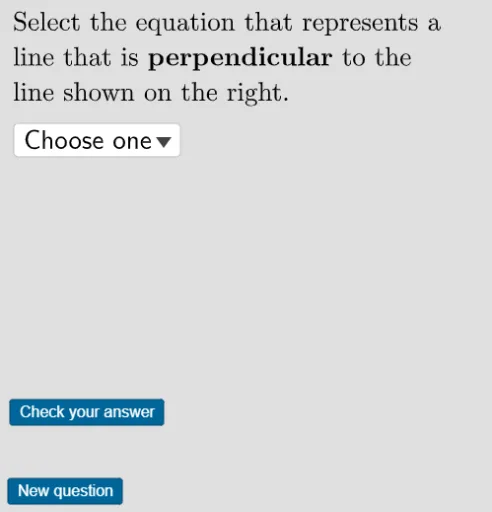
Loading the math board and drawing, please wait…
This example practices using intercepts to find the equation of a perpendicular line. It involves the properties of straight lines and perpendicular lines. Using GeoGebra commands like RandomElement and Shuffle, students can dynamically explore the equation of a perpendicular line. Suitable for middle school and above students for learning and practice.
GeoGebra Commands & Parameters
RandomElement({-5, -3, 3, 5, -7, 7}) → xintRandomElement({-8, -4, -2, 2, 4, 8}) → yintText(If[slope > 0, "-", ""]) → slopeperpsignFractionText(abs(perpslope)) → slopeperpfractionFractionText(abs(slope)) → slopefractionText(If[slope < 0, "-", ""]) → slopesignShuffle(yintsigns) → shuffleyintsigns, {"+", "-"}Shuffle(choices) → shuffledchoices, {"y= \frac{ 5 }{ 2 } x-2", "y=- \frac{ 5 }{ 2 } x+2", "y= \frac{ 2 }{ 5 } x-2", "y=- \frac{ 2 }{ 5 } x+2"}Append("$\textsf{Choose one}$", shuffledchoices) → userinputCorner(5) → dims
AI Drawing Prompt Reference
Draw a line with randomly generated x and y intercepts, displaying their values. Then draw a line perpendicular to it, showing the sign and fractional form of its slope. Provide four possible equations for the perpendicular line, including both positive and negative slopes and different denominators, for the user to select the correct one. Use a solid color background for a clean layout.
The prompt above was compiled from the original drawing commands and is for reference only.