
Exploring the Area of a Circle by GeoGebra Classroom Activities (2)
Loading the math board and drawing, please wait…
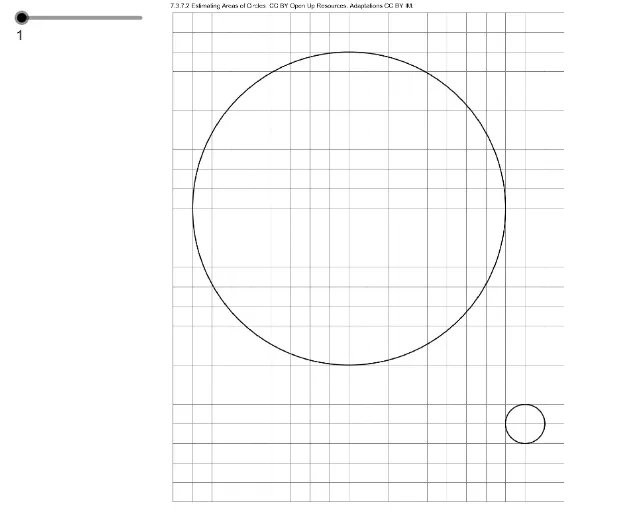
This example dynamically demonstrates the exploration of the area of a circle. Key mathematical concepts include the formula and derivation of the area of a circle. GeoGebra commands used include creating points A and B, and a series of picture objects. Suitable for middle school and above students learning geometric construction and area calculation.
GeoGebra Commands & Parameters
Point A(0, 0)Point B(11, 0)Numeric n(1)
AI Drawing Prompt Reference
Draw a circle with point A at the origin and point B 11 units away on the x-axis. Use points A and B to construct the circle. Add a slider n to dynamically change the circle's area.
The prompt above was compiled from the original drawing commands and is for reference only.