
Exploring Special Parallelograms
Loading the math board and drawing, please wait…
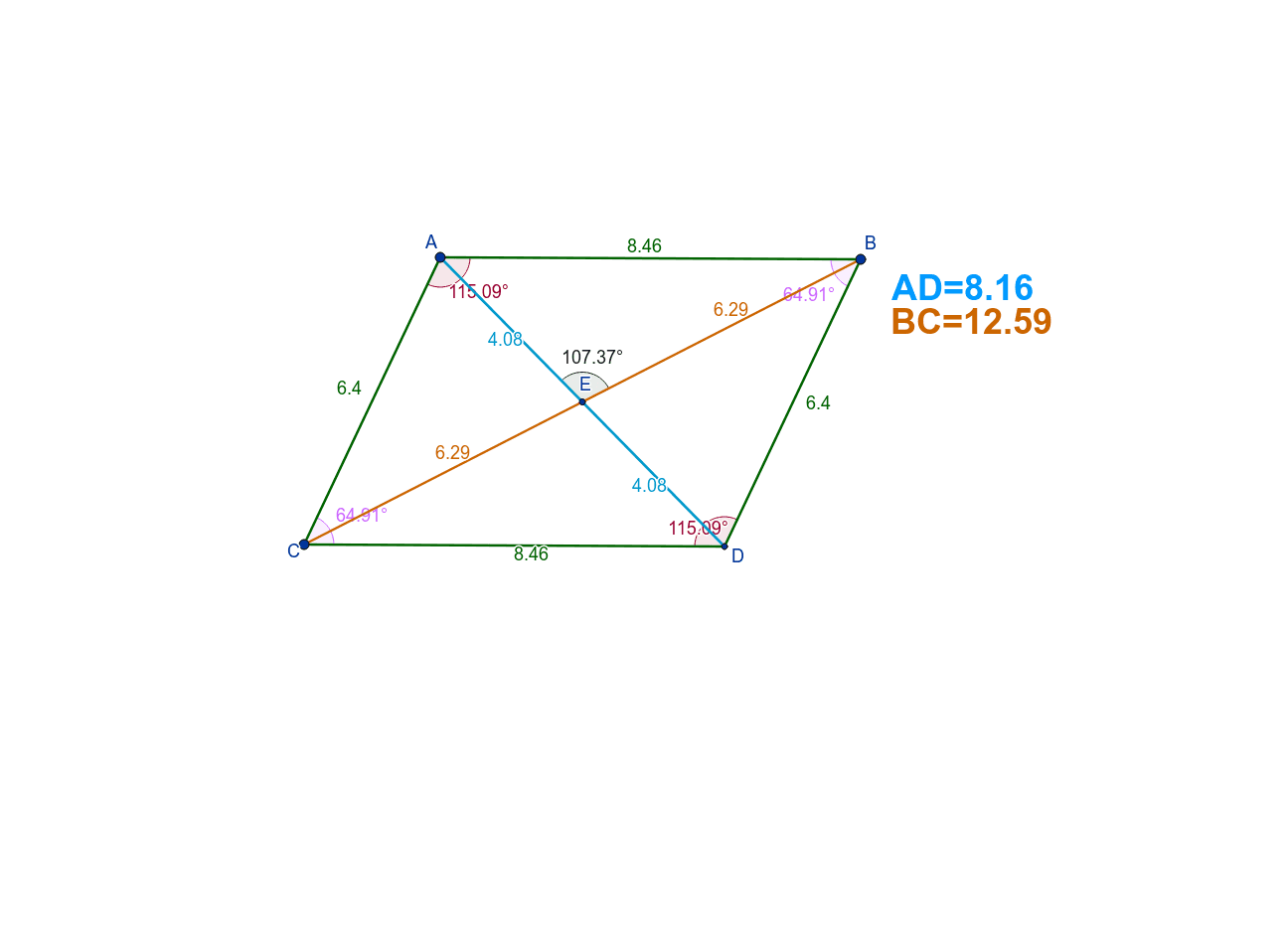
This example uses GeoGebra to explore the properties of special parallelograms. Key mathematical concepts include angles, ratios, roots, and geometric means. By constructing segments, lines, intersections, and angles, students can visually understand the characteristics of parallelograms. Suitable for middle school and above students to learn geometric construction and related concepts.
GeoGebra Commands & Parameters
Segment(A, B) → aSegment(A, C) → bLine(B, b) → cLine(C, a) → dIntersect(c, d) → DSegment(C, D) → eSegment(D, B) → fSegment(A, D) → gSegment(B, C) → hIntersect(g, h) → ESegment(A, E) → iSegment(E, D) → jSegment(B, E) → kSegment(E, C) → lAngle(D, C, A) → αAngle(C, A, B) → βAngle(A, B, D) → γAngle(B, D, C) → δAngle(B, E, A) → ε
AI Drawing Prompt Reference
Draw a parallelogram ABCD and connect its diagonals AC and BD, which intersect at point E. Then, connect points A, B, C, D, and E to form four triangles. Label the degrees of ∠A, ∠B, ∠C, ∠D, and ∠AEB.
The prompt above was compiled from the original drawing commands and is for reference only.