
Exploring Dilations: Geometric Transformations and Vector Applications
Loading the math board and drawing, please wait…
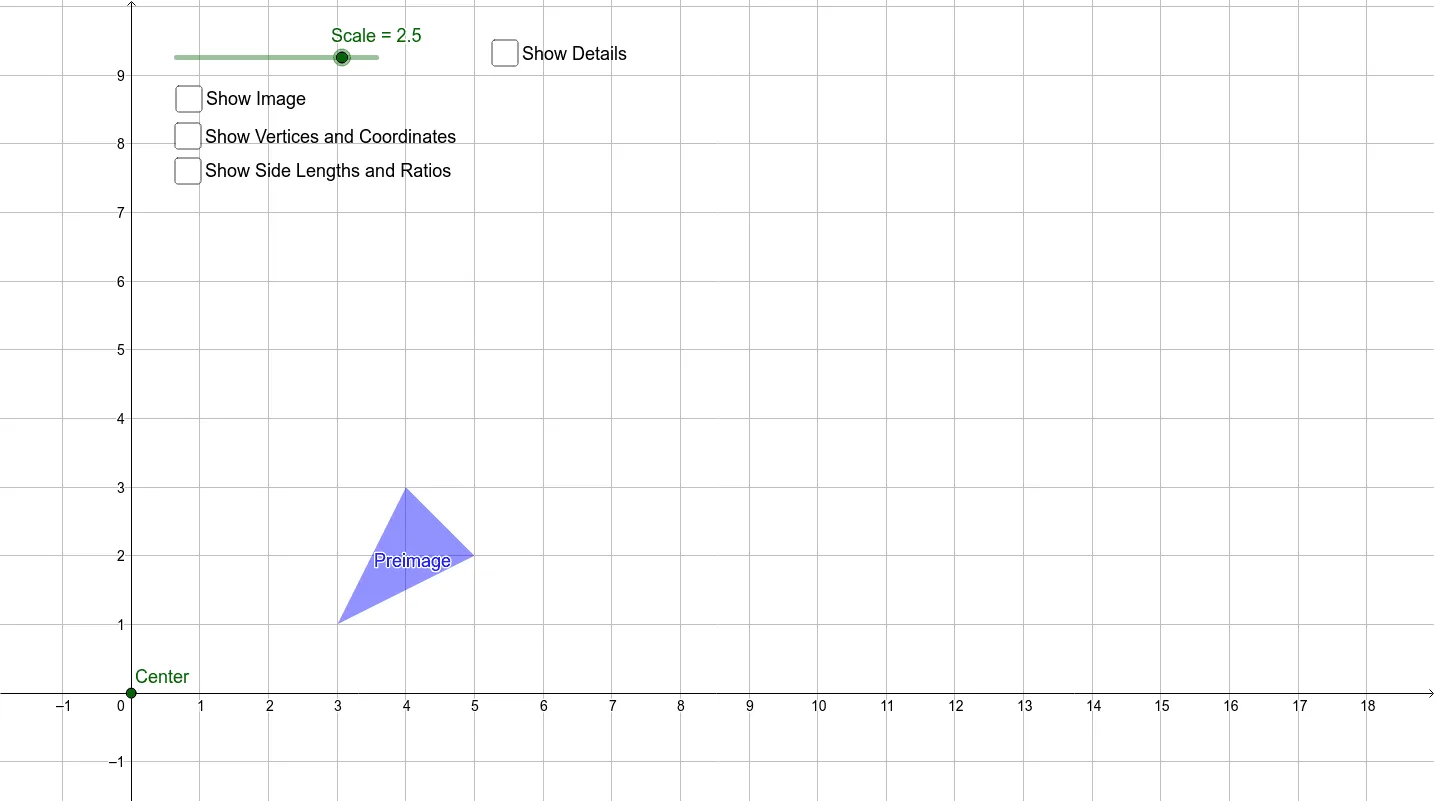
This example demonstrates geometric transformations through scaling. Key mathematical concepts include scaling transformations, vector operations, and coordinate geometry. Construction involves GeoGebra commands like Polygon, Dilate, and Segment to build scaling models. Suitable for middle school students learning geometric transformations or high school students for vector and coordinate geometry applications.
GeoGebra Commands & Parameters
Polygon(A, B, C) → Preimage, c, a, bDilate(A, Scale, Center) → A'Dilate(B, Scale, Center) → B'Dilate(C, Scale, Center) → C'Polygon(A', B', C') → Image, c', a', b'Segment(Center, A) → dSegment(Center, B) → eSegment(Center, C) → fSegment(Center, A') → gSegment(Center, C') → hSegment(Center, B') → i
AI Drawing Prompt Reference
Draw a geometric diagram by first creating a triangle as the preimage. Then, using a given center point and scale factor, dilate each vertex of the triangle to obtain new vertices. Connect these new vertices to form the dilated image. Next, draw line segments from the center point to each vertex of both the preimage and the image. Finally, color the preimage and image differently to clearly show the scaling transformation.
The prompt above was compiled from the original drawing commands and is for reference only.