
Exploring Sections of a Triangular Prism by Mr. Mundey
Loading the math board and drawing, please wait…
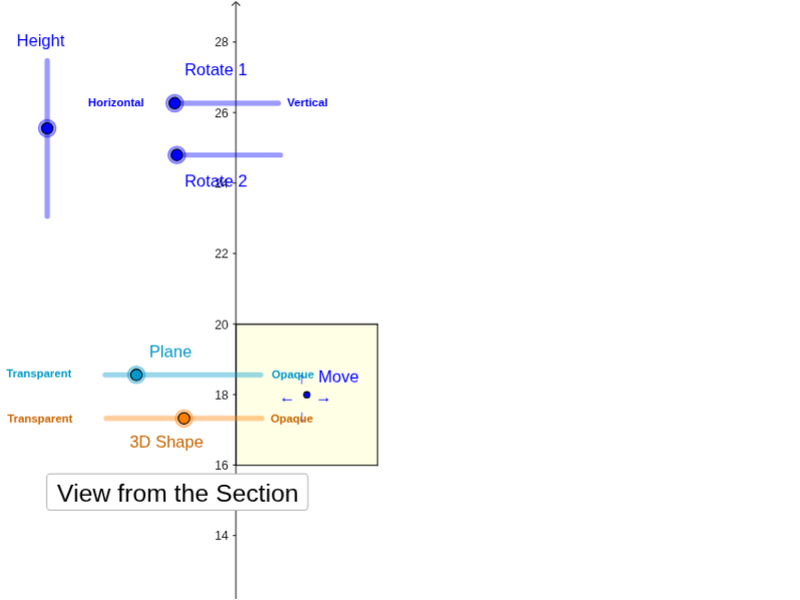
This example demonstrates how changing the position and orientation of a cross-section reveals different shapes within a triangular prism. Key math concepts include solid geometry, cross-section geometry, and polygon properties. It utilizes GeoGebra commands like Polygon, PointIn, Translate, Rotate, Prism, Plane, IntersectPath, and OrthogonalLine. Suitable for high school students learning about solid geometry and geometric constructions, helping them understand the relationship between cross-sections and the original solid.
GeoGebra Commands & Parameters
Polygon(B + (-2, -2), B + (2, -2), B + (2, 2), B + (-2, 2)) → poly3, e, f, g, iPointIn(poly3) → CTranslate((0, 0, 0), Vector[B, C]) → APolygon(A + (-4, -4), A + (4, -4), A + (4, 4), A + (-4, 4)) → poly1, a, b, c, dRotate(Rotate[Translate[poly1, Vector[A, A + (0, 0, h)]], (90° * s), A + (0, 0, h), yAxis], (90° * t), A, zAxis) → poly2Rotate(D, 120°, (0, 0, 0)) → EPolygon(D, E, 3, xOyPlane) → poly4, j, k, l, FPrism(poly4, D + (0, 0, 4)) → m, M, edge4, edge5, edge6, N, face1, face2, face3, face4, edge1, edge2, edge3PointIn(poly2) → GPointIn(poly2) → HPointIn(poly2) → IPlane(G, I, H) → nIntersectPath(n, m) → poly6, poly5, r, a_1, b_1, c_1, K, L_1, O, P, J, L, p, qRotate(m, 0, zAxis) → m'Rotate(m, 0, zAxis) → m'_1OrthogonalLine(A, n) → d_1
AI Drawing Prompt Reference
Draw a triangular prism and explore how changing the position and orientation of a cross-section reveals different shapes within the prism. Start by creating a triangular base and a parallelogram as a cross-section, then rotate the cross-section along the height of the prism to observe the intersection lines. Finally, generate new geometric shapes from the intersection of the cross-section and the prism, demonstrating the relationship between the cross-section and the original solid.
The prompt above was compiled from the original drawing commands and is for reference only.