
Rotation Transformation Demo by Mr. Mundey
Loading the math board and drawing, please wait…
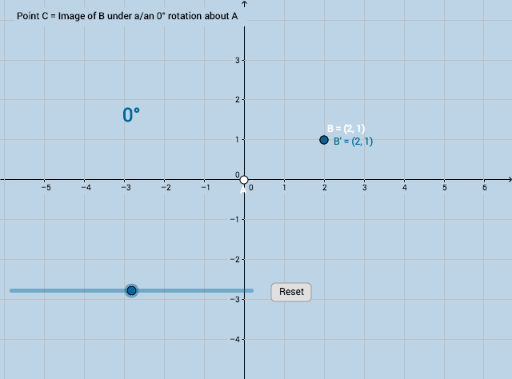
This example demonstrates the effect of rotation transformation on shapes, particularly how positive and negative angles affect the position of figures. It involves core mathematical concepts such as rotation, angles, distance, and geometric construction. GeoGebra commands used include Distance, Rotate, Segment, Circle, Intersect, and CircleSector. Suitable for middle school and high school students learning geometric transformations and analytical geometry.
GeoGebra Commands & Parameters
Distance(A, B) → dRotate(B, α, A) → B'Segment(A, B) → fSegment(A, B') → gCircle(A, (0.2 * f)) → cIntersect(c, f) → C_1,Intersect(c, g) → D,CircleSector(A, C_1, D) → hCircleSector(A, B, B') → kCircleSector(A, D, C_1) → pCircleSector(A, B', B) → qCircle(A, B) → r
AI Drawing Prompt Reference
Draw a diagram showing the effect of rotation transformation, including two points and a line segment. Rotate the line segment around one point by a certain angle to get a rotated line segment. Then draw a circle with half the length of the original line segment as the radius, intersecting the line segment and the rotated line segment at two points. Draw sectors using these two points and the rotation center, and finally draw a circle with the original point as the center and the original line segment as the radius to show the comparison before and after rotation.
The prompt above was compiled from the original drawing commands and is for reference only.