
Exploring Scale Factor and Point of Dilation with Polygons
Loading the math board and drawing, please wait…
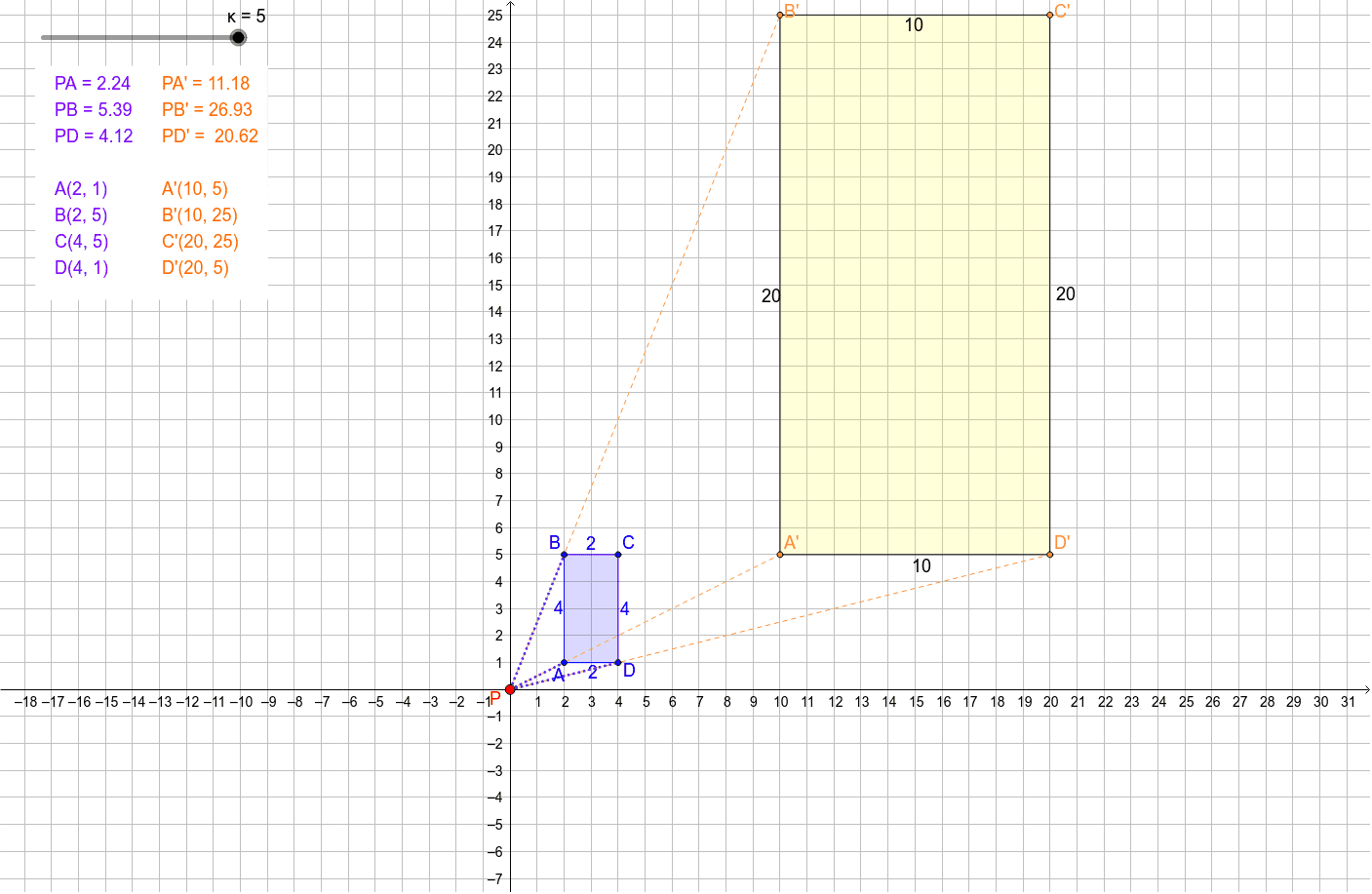
This example demonstrates how a polygon image changes when the point of dilation and scale factor are adjusted. It covers dilation, scale factor, similarity, corresponding vertices, and the relationship between original and image points. The construction uses Polygon to create the original quadrilateral poly1 with vertices A, B, C, and D, Segment to connect corresponding points, and Dilate to generate the image poly1' with A', B', C', and D' from center P and parameter κ. Sliders can control P and κ to observe enlargement, reduction, and orientation changes. It is suitable for middle or high school geometry lessons on transformations, similarity, and dilation.
GeoGebra Commands & Parameters
Polygon(A, B, C, D) → poly1, a, b, c, dDilate(A, κ, P) → A'Dilate(B, κ, P) → B'Dilate(C, κ, P) → C'Dilate(D, κ, P) → D'Polygon(A', B', C', D') → poly1', a', b', c', d'Segment(P, A') → eSegment(P, B') → fSegment(P, D') → gSegment(P, B) → hSegment(P, A) → iSegment(P, D) → jPolygon(E, F, G, H) → poly2, e_1, f_1, g_1, h_1
AI Drawing Prompt Reference
Draw an original quadrilateral and its scaled image by adjusting the center point and scale factor. Connect the center point to the corresponding vertices of the original and scaled figures with line segments. Add sliders to control the center point and scale factor to observe changes in size and orientation.
The prompt above was compiled from the original drawing commands and is for reference only.