
Exploring Rotations by Abbasali Walimohamed
Loading the math board and drawing, please wait…
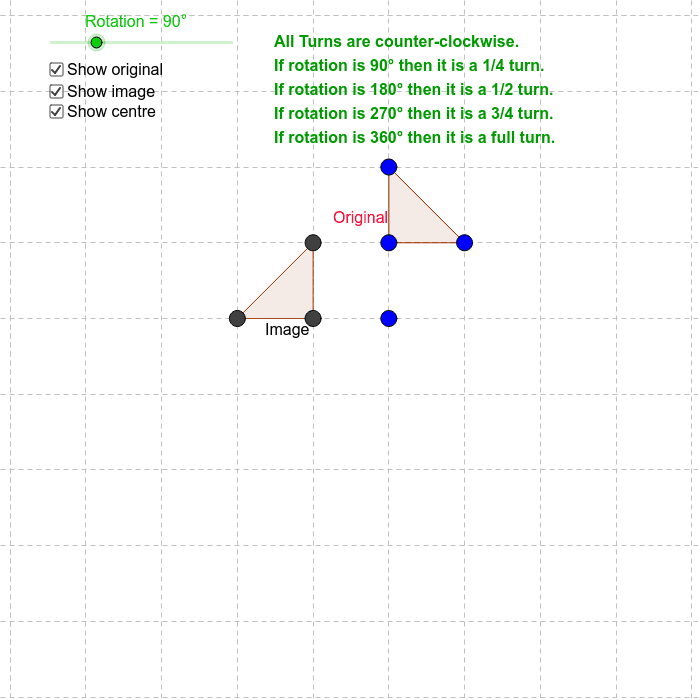
This example demonstrates 2D geometric rotations, involving core concepts like rotation, angles, and geometric construction. It uses commands such as Polygon and Rotate in GeoGebra to create and manipulate shapes, suitable for middle school and above to explore transformation properties and applications.
GeoGebra Commands & Parameters
Polygon(A, B, C) → poly1, c, a, bRotate(A, Rotation, Centre) → A'Rotate(B, Rotation, Centre) → B'Rotate(C, Rotation, Centre) → C'Polygon(A', B', C') → poly1', c', a', b'
AI Drawing Prompt Reference
Draw a triangle ABC, then rotate it 90 degrees around a center point to create a new triangle A'B'C'. Observe the position and angle changes before and after the rotation.
The prompt above was compiled from the original drawing commands and is for reference only.