
Exploring Quadratic Function Forms with a Bridge Image
Loading the math board and drawing, please wait…
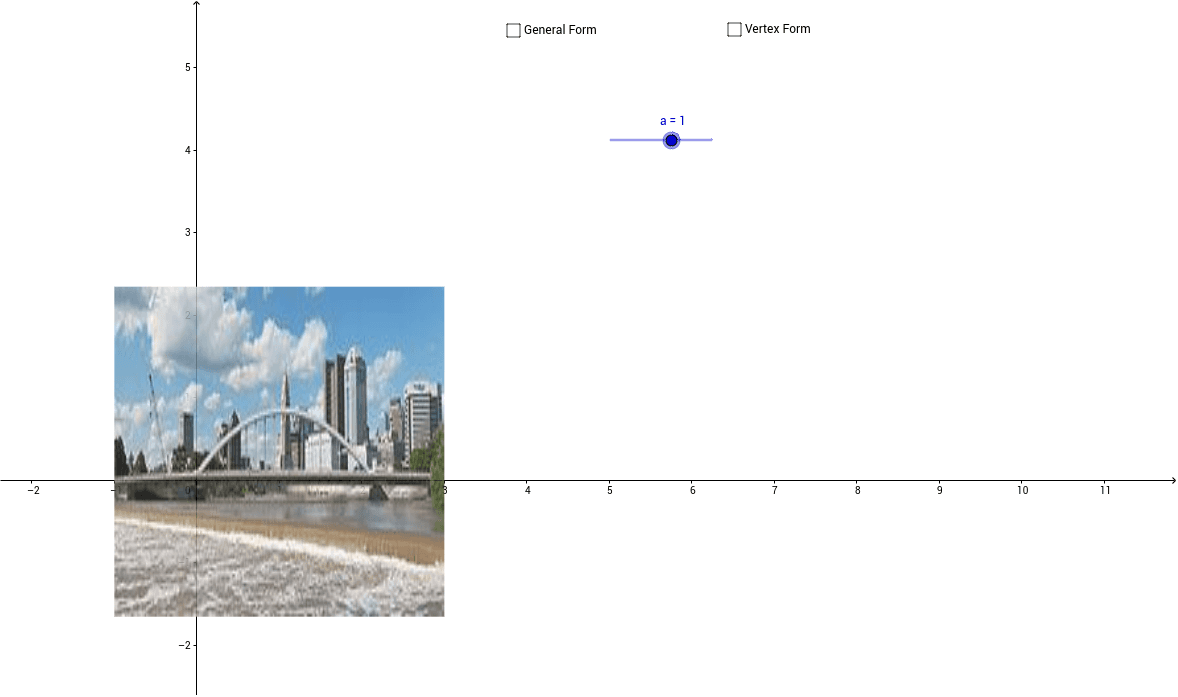
This applet lets students model a bridge image by applying transformations to both the vertex and general forms of quadratic functions. It covers quadratic functions in vertex form (y = a(x - h)^2 + k) and standard form (y = ax^2 + bx + c), geometric transformations (translation, scaling, reflection), symmetry, and the relationship between algebraic expressions and visual shapes. In GeoGebra, objects such as pic1 (the bridge image), sliders a, b, c, h, k, function f, and text objects text1, text2 are used to display equations dynamically; dragging sliders updates the graph in real time. Designed for high‑school algebra and pre‑calculus classes, it serves as an interactive tool for exploring function transformations and graphical modeling.
GeoGebra Commands & Parameters
Numeric a(1.0)Numeric b(0.0)Numeric c(0.0)f(x) = a * x^(2) + b * x + cNumeric k(0.0)Boolean d(false)Boolean v(false)Numeric h(0.0)g(x) = a * (x - h)^(2) + k