
Exploring Primary Trigonometric Ratios of Supplementary Angles
Loading the math board and drawing, please wait…
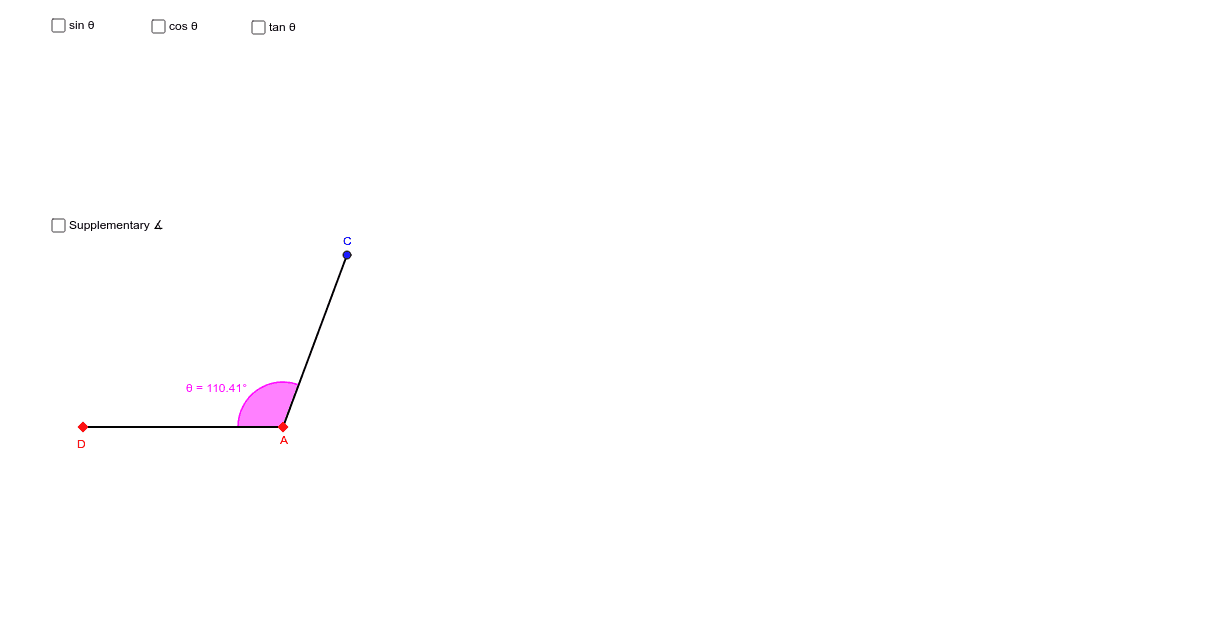
This example demonstrates how to use GeoGebra to explore the relationships between the primary trigonometric ratios (sine, cosine, tangent) of supplementary angles. The core mathematical concepts involved include the definition of supplementary angles, fundamental properties of trigonometric functions, and the relationship between sides and angles in right triangles. The construction utilizes GeoGebra commands/objects such as Line, Point, OrthogonalLine, Segment, and Angle. It is suitable for high school mathematics students to understand the symmetry and identity transformations of trigonometric functions, as well as an auxiliary tool for analyzing angle relationships in analytical geometry.
GeoGebra Commands & Parameters
Line(A, Z) → aPoint(a) → BOrthogonalLine(B, a) → bPoint(b) → CSegment(A, B) → ABSegment(B, C) → BCSegment(C, A) → ACAngle(B, A, C) → αAngle(C, B, A) → βPoint(a) → DSegment(D, A) → lAngle(C, A, D) → θSegment(A, C) → t
AI Drawing Prompt Reference
Draw a right triangle with one leg parallel to the x-axis and the other leg parallel to the y-axis. Inside the right triangle, construct an angle of 90 degrees that coincides with one leg of the triangle. Then, place a point on the opposite side of this angle and connect this point to the vertex of the right angle, forming a new triangle. Label the two acute angles in the new triangle and measure their sine, cosine, and tangent values. Finally, rotate one of the acute angles by 180 degrees and observe the relationship between the rotated triangle and the original triangle, comparing the sine, cosine, and tangent values of the corresponding angles in both triangles.
The prompt above was compiled from the original drawing commands and is for reference only.