
Exploring Kites
Loading the math board and drawing, please wait…
In collections
Kites
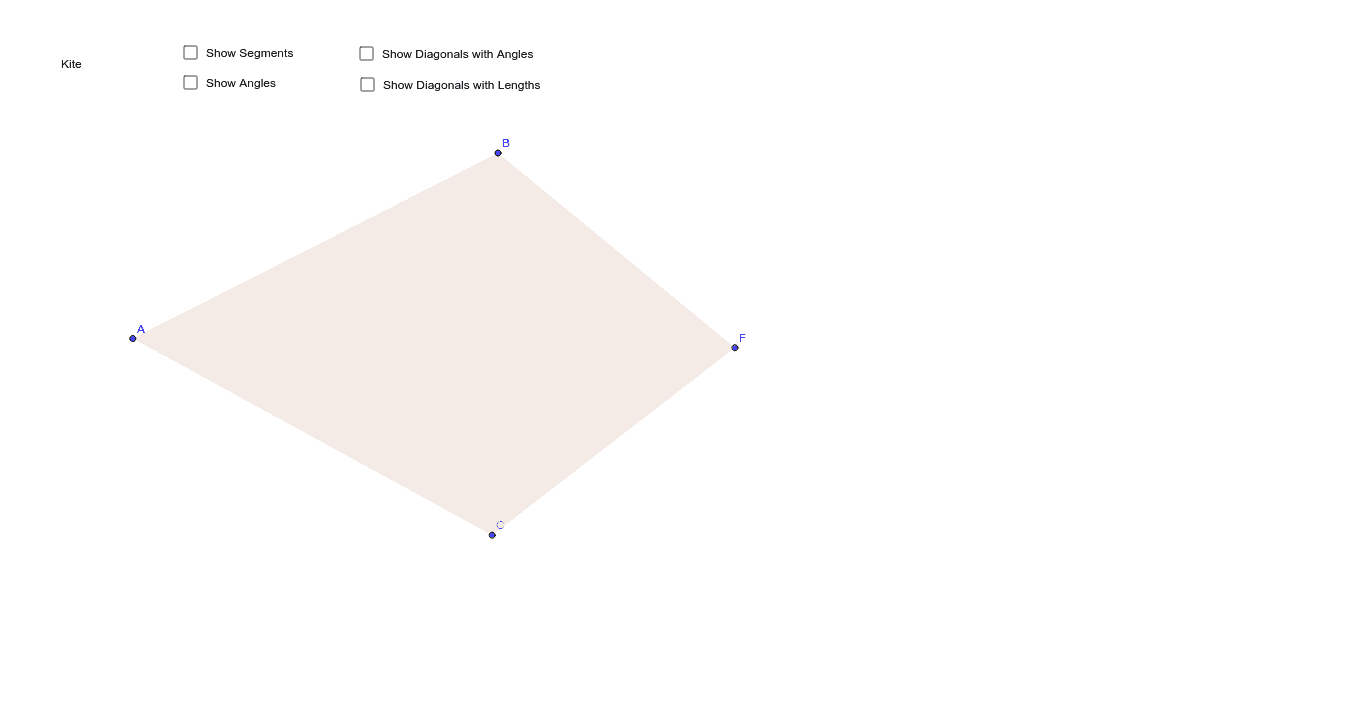
This example demonstrates the geometric properties and construction methods of a kite, involving core math concepts like polygons, angles, circles, coordinate geometry, and geometric construction. It uses commands like Segment, Circle, Point, AngularBisector, Intersect, Polygon, Angle in GeoGebra for construction, suitable for high school mathematics teaching or for geometry enthusiasts.
GeoGebra Commands & Parameters
Segment(A, B) → aCircle(A, B) → cPoint(c) → CSegment(A, C) → bAngularBisector(a, b) → d, eIntersect(c, d) → D, EPoint(d) → FPolygon(B, A, C, F) → poly1, b_1, a_1, c_1, fAngle(B, F, C) → αAngle(F, C, A) → βAngle(C, A, B) → γAngle(A, B, F) → δSegment(A, F) → iSegment(C, B) → jIntersect(i, j) → GAngle(F, G, B) → εAngle(C, G, F) → ζAngle(A, G, C) → ηAngle(B, G, A) → θAngle(B, F, G) → ιAngle(G, F, C) → κAngle(G, C, A) → λAngle(F, C, G) → μAngle(C, A, G) → νAngle(G, A, B) → ξAngle(G, B, F) → οAngle(A, B, G) → ρSegment(G, F) → lSegment(G, A) → mSegment(B, G) → nSegment(G, C) → p
AI Drawing Prompt Reference
Draw a kite shape by starting with a segment, then draw a circle with this segment as the diameter. Mark a point on the circle, connect this point to the midpoint of the segment. Use the midpoint segment as an angle bisector to find two intersection points on the circle. Connect these points to form the kite's four vertices and label all interior angles.
The prompt above was compiled from the original drawing commands and is for reference only.