
Exploring Flower Symmetry
Loading the math board and drawing, please wait…
In collections
Learn GeoGebra Classic
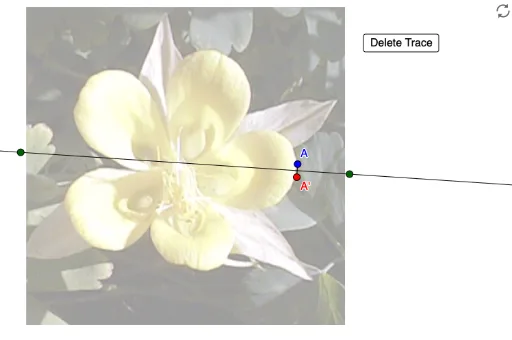
This example demonstrates how to explore the symmetry of a flower using the trace feature in GeoGebra. It involves core mathematical concepts such as symmetry, geometric construction, and transformation. The construction utilizes GeoGebra commands like Line, Mirror, and Segment, along with objects such as points A, B, C, variables a, A', b, D, E, and elements like pic1 and button1. It is suitable for high school students learning geometric constructions and symmetry, serving as a tool for classroom instruction or independent study.
GeoGebra Commands & Parameters
Line(B, C) → aMirror(A, a) → A'Segment(A, A') → b
AI Drawing Prompt Reference
Draw a flower to demonstrate its symmetry by first creating two line segments to represent the stem and petal outlines, then use one segment as a mirror line to reflect the other, and finally connect the reflected segment to the original to form symmetrical petals, exploring the flower's symmetry through these steps.
The prompt above was compiled from the original drawing commands and is for reference only.