
Exploring Equations of Parallel Lines
Loading the math board and drawing, please wait…
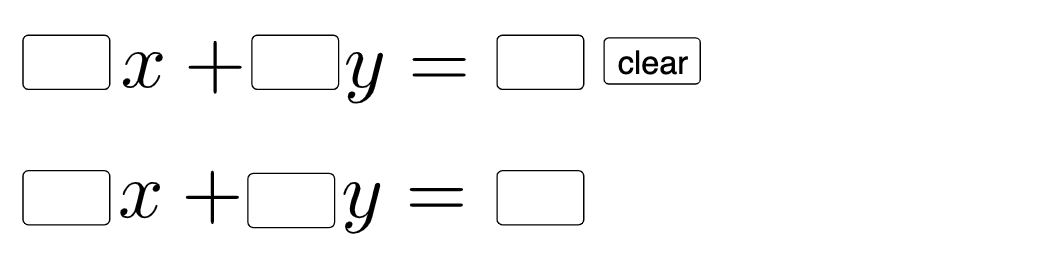
This example demonstrates the equations of parallel lines. Key mathematical concepts include linear equations and slope. Using GeoGebra commands such as Textfield, Intersect, Mode, etc., you can construct and explore the equations of parallel lines. Suitable for middle school and above students to learn linear equations and geometric construction.
GeoGebra Commands & Parameters
Textfield(a) → InputBox1Textfield(b) → InputBox2Textfield(c) → InputBox3Textfield(d) → InputBox4Textfield(e) → InputBox5Textfield(f) → InputBox6Intersect(eq2, eq1) → BMode(l1) → l2If(Length[l2] ≟ 0, "No digits repeat!", "Repeated digits exist.") → text2Point(eq1) → APoint(eq2) → CPoint(eq2) → DPoint(eq1) → EPolygon(A, F, G) → t1, g_1, a_1, f_1Segment(A, F) → iSegment(F, G) → jDilate(A, If[0 < g ≤ 1, 1 - g, 0], C) → A'Vector(A, A') → uTranslate(A, u) → A'_{1}Translate(F, u) → F'Translate(G, u) → G'Polygon(A'_{1}, F', G') → t1', g', a'_{1}, f'Translate(A, u) → A'_{2}Translate(F, u) → F'_{1}Segment(A'_{2}, F'_{1}) → i'Translate(F, u) → F'_{2}Translate(G, u) → G'_{1}Segment(F'_{2}, G'_{1}) → j'Segment(A, G) → hTranslate(A, u) → A'_{3}Translate(G, u) → G'_{2}Segment(A'_{3}, G'_{2}) → h'
AI Drawing Prompt Reference
Draw two parallel lines with their equations displayed, allowing user input through input boxes. Mark the intersection point on the lines and show whether repeated digits exist. Take a point from the first line to construct a polygon, then perform scaling and translation based on the first line's points to create new polygons, demonstrating geometric transformation.
The prompt above was compiled from the original drawing commands and is for reference only.