
Exploring Dilation: Scaling Effects on Geometric Constructions
Loading the math board and drawing, please wait…
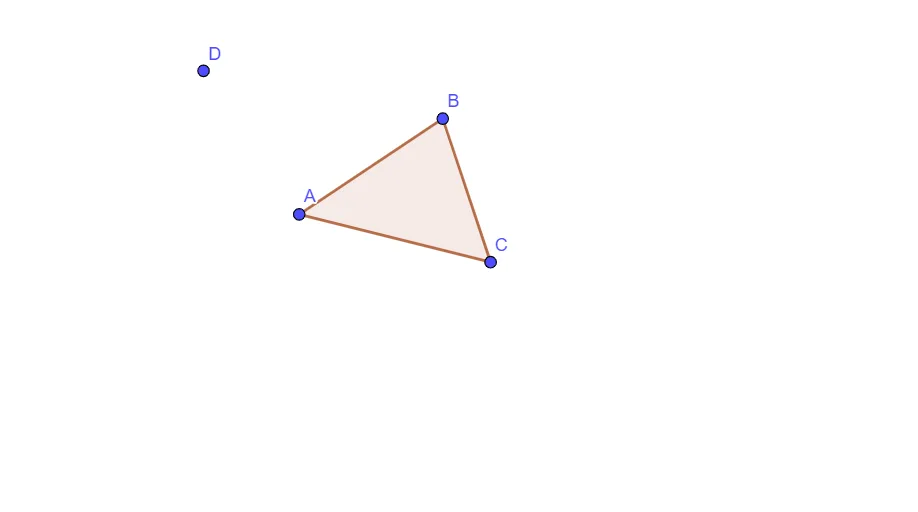
This example demonstrates how a dilation (geometric scaling) transforms points and shapes by changing the scale factor, making the before-and-after correspondence visible in the coordinate plane. It focuses on geometric transformation ideas—especially dilation—as well as connections to quadratic-curve geometry (e.g., hyperbola-related structures) through parameter-controlled configurations. Construction-wise, it uses GeoGebra’s Polygon command to build the main polygonal figure from defined objects (A, B, C, t1, c, a, b, D). The parameters t1 and c and the geometric quantities a and b act as controls for the configuration, enabling learners to observe how scaling alters the location and size of the constructed geometry. Suitable for upper secondary students and early undergraduate learners for studying transformations, scaling, and their geometric/analytic relationships.
GeoGebra Commands & Parameters
Polygon(A, B, C) → t1, c, a, b
AI Drawing Prompt Reference
Create a main polygonal figure on a coordinate plane whose vertices are defined by three given points, and visually emphasize how a dilation (scaling) changes both the position and size of the shape. First place the original three vertices, then use parameter controls to adjust the configuration in a scaling-related way, with additional geometric quantities determining the polygon’s relative dimensions and placement. Present the before-and-after correspondence on the same view so learners can observe how changing the scale factor alters the polygon’s form in the coordinate plane.
The prompt above was compiled from the original drawing commands and is for reference only.