
Explore the Movement of a Hexagon
Loading the math board and drawing, please wait…
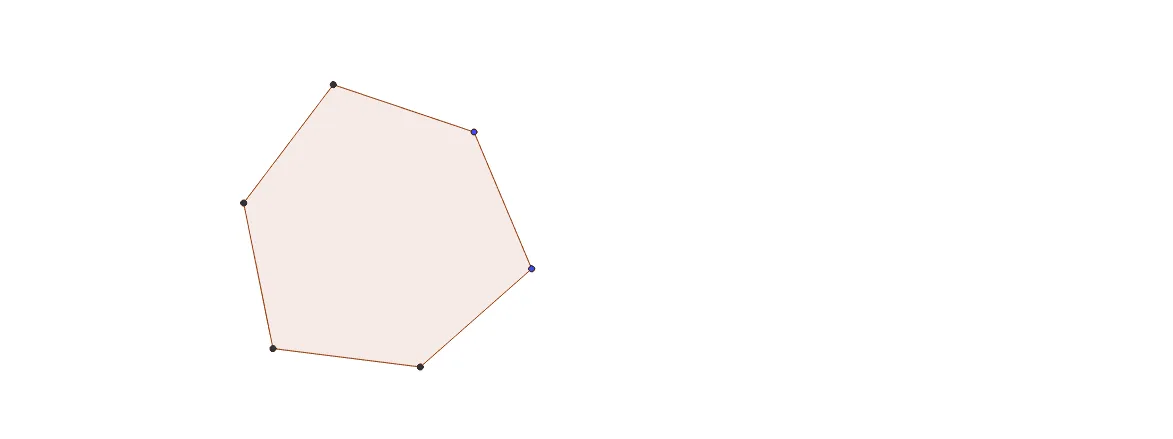
This is a hexagon with 6-fold symmetry. By moving it, you can observe which types of hexagons can be generated and study some of their properties. The example involves geometry and symmetry. It uses commands like Polygon, Line, Point, and Intersect in GeoGebra. Suitable for middle school and above students or teachers.
GeoGebra Commands & Parameters
Polygon(A, B, 6) → poly1, a, F, b, c, d, e, f, C, D, ELine(B, E) → gLine(A, D) → hLine(F, C) → iPoint(h) → GLine(G, i) → jIntersect(g, j) → HPolygon(G, H, 6) → poly2, k, L, l, m, n, p, q, I, J, KPolygon(H, A, L, E, J, C) → poly3, h_1, a_1, l_1, e_1, j_1, c_1Polygon(G, B, I, D, K, F) → poly4, g_1, b_1, i_1, d_1, k_1, f_1
AI Drawing Prompt Reference
Draw a hexagon using points A and B with 6 vertices. Then, draw lines BE and AD and find their intersection point G. Next, use G and FC to find another intersection point H. Create a new hexagon with G and H as vertices. Finally, use H, A, L, E, J, C and G, B, I, D, K, F as vertices to create two more hexagons.
The prompt above was compiled from the original drawing commands and is for reference only.