
Explore Line Segment Partitioning
Loading the math board and drawing, please wait…
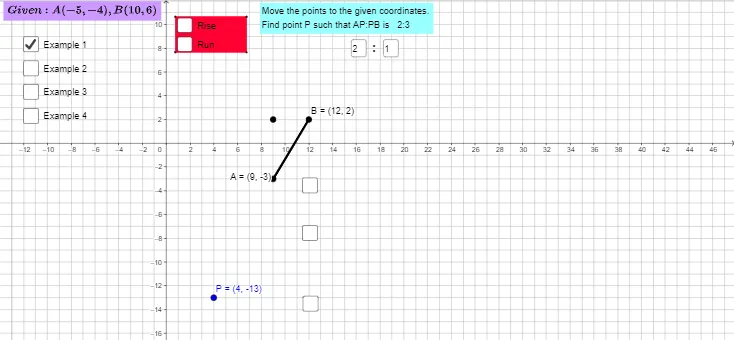
This example demonstrates how to partition a line segment. Key mathematical concepts include the ratio of segment partitioning, linear equations, and the expected value of random experiments. Using GeoGebra commands such as Segment, Textfield, and FractionText, dynamic exploration of different partitioning scenarios is possible. Suitable for middle school and above students or teachers.
GeoGebra Commands & Parameters
Segment(A, I) → tSegment(I, B) → kSegment(A, B) → gPolygon(C, D, E, F) → poly1, c_1, d_1, e_1, f_1Textfield(w) → InputBox2Textfield(text5) → InputBox3Textfield(r) → InputBox1Textfield(r) → InputBox4FractionText(f) → text11FractionText(o) → text13FractionText(p) → text14FractionText(q) → text15FractionText(s) → text16
AI Drawing Prompt Reference
Draw a line segment and partition it into two parts. Use a slider to adjust the point position. Text labels show the ratio of the partition to help understand the proportion.
The prompt above was compiled from the original drawing commands and is for reference only.