
Explore 7
Loading the math board and drawing, please wait…
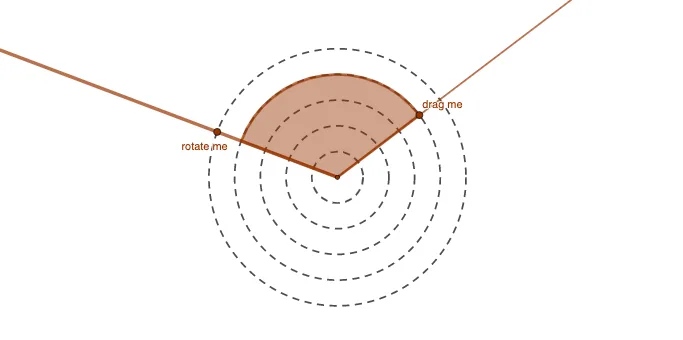
This example demonstrates the interactive process of constructing geometric figures and function graphs using GeoGebra. It involves core mathematical concepts such as differential calculus, hypothesis testing, general quadrilaterals, function graphing, and bar charts. Key GeoGebra commands/objects used in the construction include Circle, Point, Ray, Intersect, and CircleSector, as outlined in the construction summary. It is suitable for high school and above students to understand the integration of geometric construction and data analysis.
GeoGebra Commands & Parameters
Circle(A, 0.5) → cCircle(A, 1) → dCircle(A, 1.5) → eCircle(A, 2) → fCircle(A, 2.5) → gPoint(g) → BRay(A, B) → hIntersect(c, h, 1) → EIntersect(d, h, 1) → GIntersect(e, h, 1) → IIntersect(f, h, 1) → KPoint(g) → CRay(A, C) → iPoint(i) → DCircleSector(A, D, B) → k