
Exploration of the Properties of a Parallelogram
Loading the math board and drawing, please wait…
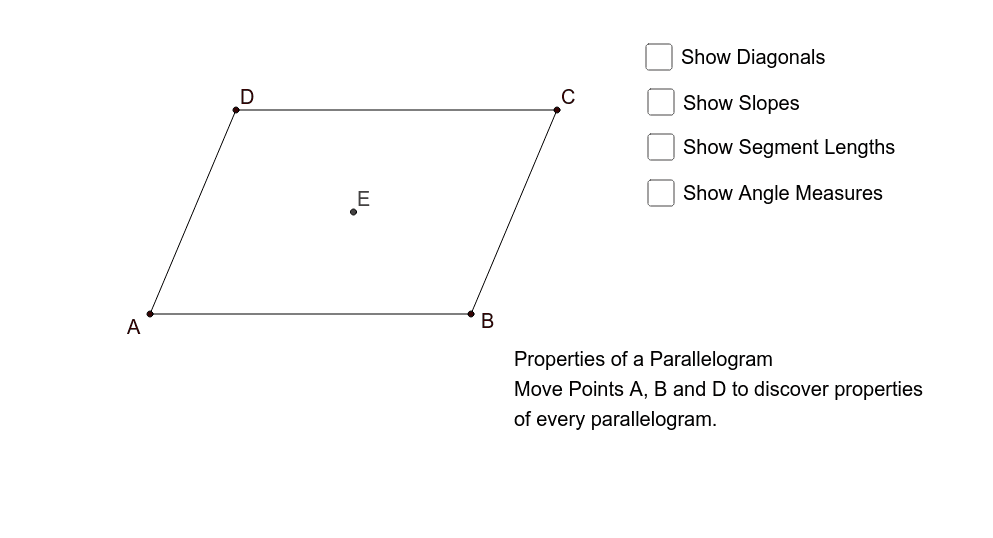
This GeoGebra example provides an interactive visualization of the core geometric properties of a parallelogram, demonstrating that opposite sides are equal and parallel, opposite angles are equal, and diagonals bisect each other. The core mathematical concepts covered include polygon geometry, angle relationships, distance formulas, and the slope of straight lines in coordinate geometry. To construct this dynamic model, the example utilizes key GeoGebra commands such as Segment and Line to draw the edges, Intersect to define vertices and diagonal crossings, and tools like Distance, Midpoint, Angle, and Slope to compute segment lengths (e.g., distanceDE, distanceEB), internal angles (α, β, γ, δ), and line slopes (m, m_1). Real-time text objects (TextDE, TextEB, etc.) are used to display measurements dynamically. This resource is highly suitable for secondary school geometry and coordinate geometry curricula, ideal for classroom demonstrations, student-led inquiry, and interactive geometric proofs.
GeoGebra Commands & Parameters
Segment(A, B) → aSegment(A, D) → bLine(D, a) → cLine(B, b) → dIntersect(c, d) → CSegment(D, C) → eSegment(C, B) → fSegment(D, B) → gSegment(A, C) → hIntersect(g, h) → EDistance(a, e) → iDistance(D, E) → distanceDEMidpoint(D, E) →Distance(E, B) → distanceEBMidpoint(E, B) →Distance(C, E) → distanceCEMidpoint(C, E) →Distance(E, A) → distanceEAMidpoint(E, A) →Angle(A, D, C) → αAngle(D, C, B) → βAngle(C, B, A) → γAngle(B, A, D) → δSlope(b) → mSlope(f) → m_1Slope(e) → m_2Slope(a) → m_3Distance(D, C) → distanceDCMidpoint(D, C) →Distance(C, B) → distanceCBMidpoint(C, B) →Distance(B, A) → distanceBAMidpoint(B, A) →Distance(A, D) → distanceADMidpoint(A, D) →