
Exercise 13
Loading the math board and drawing, please wait…
In collections
LINEAR FUNCTIONS
This example demonstrates the random generation of conic sections. Key mathematical concepts include the properties of conic sections and random number generation. Using GeoGebra commands such as Random, RandomElement, and Intersect, different conic sections can be dynamically generated.
GeoGebra Commands & Parameters
Random(-10, 10) → aRandom(-10, 10) → d_1RandomElement({-5, -4, -3, -2, -1, 1, 2, 3, 4, 5}) → c_1Random(-10, 10) → bRandomElement({-5, -4, -3, -2, -1, 1, 2, 3, 4, 5}) → a_1RandomElement({-5, -4, -3, -2, -1, 1, 2, 3, 4, 5}) → cTextfield(h) → InputBox1Random(-10, 10) → b_1Textfield(m) → InputBox2Textfield(f) → InputBox4Random(-10, 10) → d_2Intersect(g, xAxis) → CTableText({{A1_1, B_1, C_1, D_1}, {-3, g(-3), h(-3), f(-3)}, {-2, g(-2), h(-2), f(-2)}, {-1, g(-1), h(-1), f(-1)}, {0, g(0), h(0), f(0)}, {1, g(1), h(1), f(1)}, {2, g(2), h(2), f(2)}, {3, g(3), h(3), f(3)}, {1, e, l, k}}, "|_r") → text3_1
AI Drawing Prompt Reference
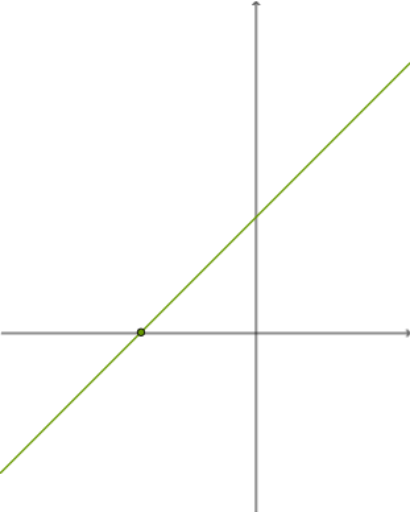
Generate a random conic section, either a circle or an ellipse, and adjust its position and size using the input box parameters. Randomly create a function g(x) and find its intersection with the x-axis at point C. Calculate and display the y-values of g(x) at different x-values using the input box parameters.
The prompt above was compiled from the original drawing commands and is for reference only.