
Euclid: The Game Level 8 — Constructing Rays and Segments
Loading the math board and drawing, please wait…
In collections
Euclid: The Game
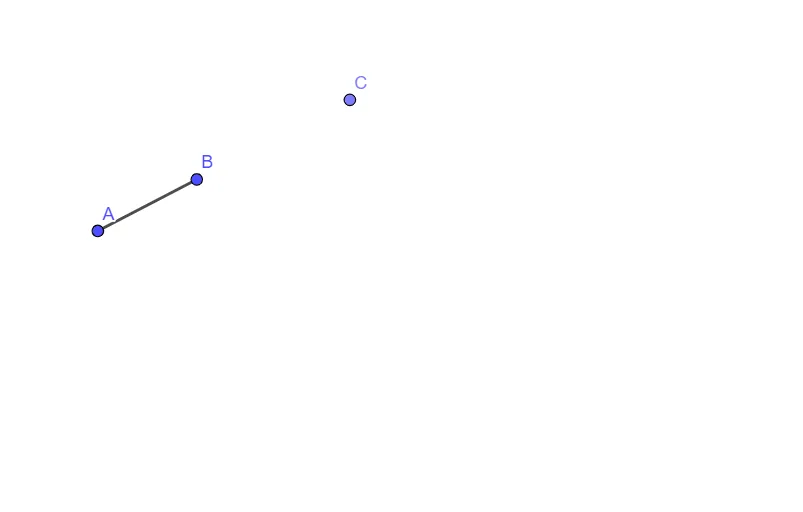
This example demonstrates how to solve a specific task in the Euclid-style geometry game by constructing a configuration from fundamental geometric elements. It highlights the key ideas behind straightedge-and-compass style reasoning: using points plus rays and segments to realize required geometric relationships. The construction centers on basic Euclidean objects and the workflow of geometric construction in GeoGebra, which can connect to themes like median-line reasoning, scatter-plot interpretation, and optimization-oriented geometry tasks. Build-wise, it follows the provided construction summary: use GeoGebra commands Ray, Point, and Segment to create and arrange the objects A, B, f, C, and g, where rays define directions, points mark constraints/anchors, and segments establish the needed connected geometric structure. Suitable for secondary school geometry practice and for beginners learning GeoGebra’s core construction tools, as well as for classroom demonstrations of systematic geometric construction logic.
GeoGebra Commands & Parameters
Ray(A, B) → fPoint(f) → CSegment(A, B) → g
AI Drawing Prompt Reference
Draw a geometric figure consisting of a ray and a segment. Start by drawing a ray from one point, then place a point on this ray. Finally, connect the starting point of the ray to this new point to form a segment. This illustrates how rays and segments can be used to build basic geometric structures.
The prompt above was compiled from the original drawing commands and is for reference only.